Workflow Plus Signature
Overview
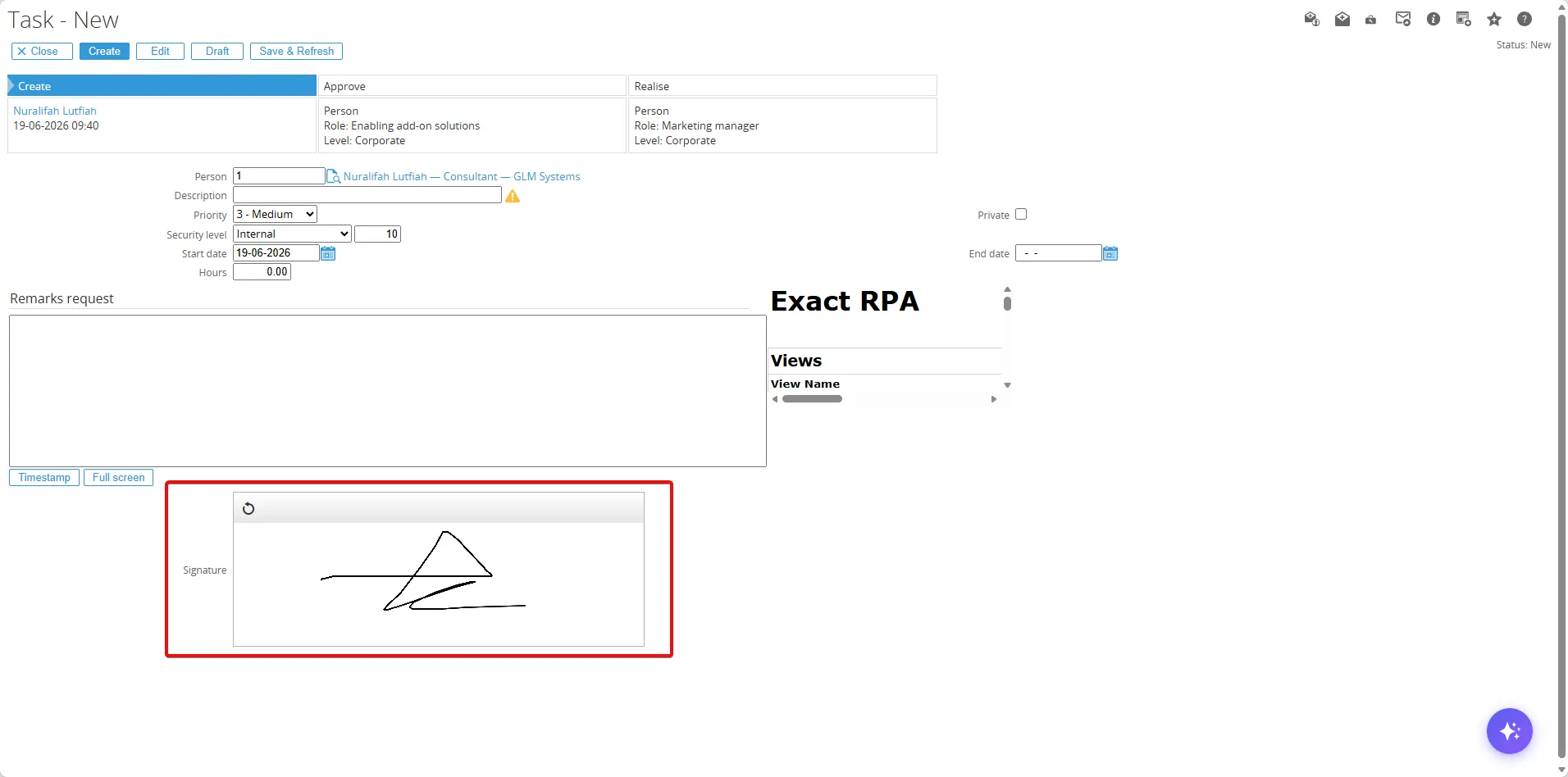
Section titled “Overview”This module to explain how to add the signature field in your workflow request.
Add the Signature Field
Section titled “Add the Signature Field”Go to Workflow > Setup > Requests > Request types and choose one of the request you want to add the signature field.
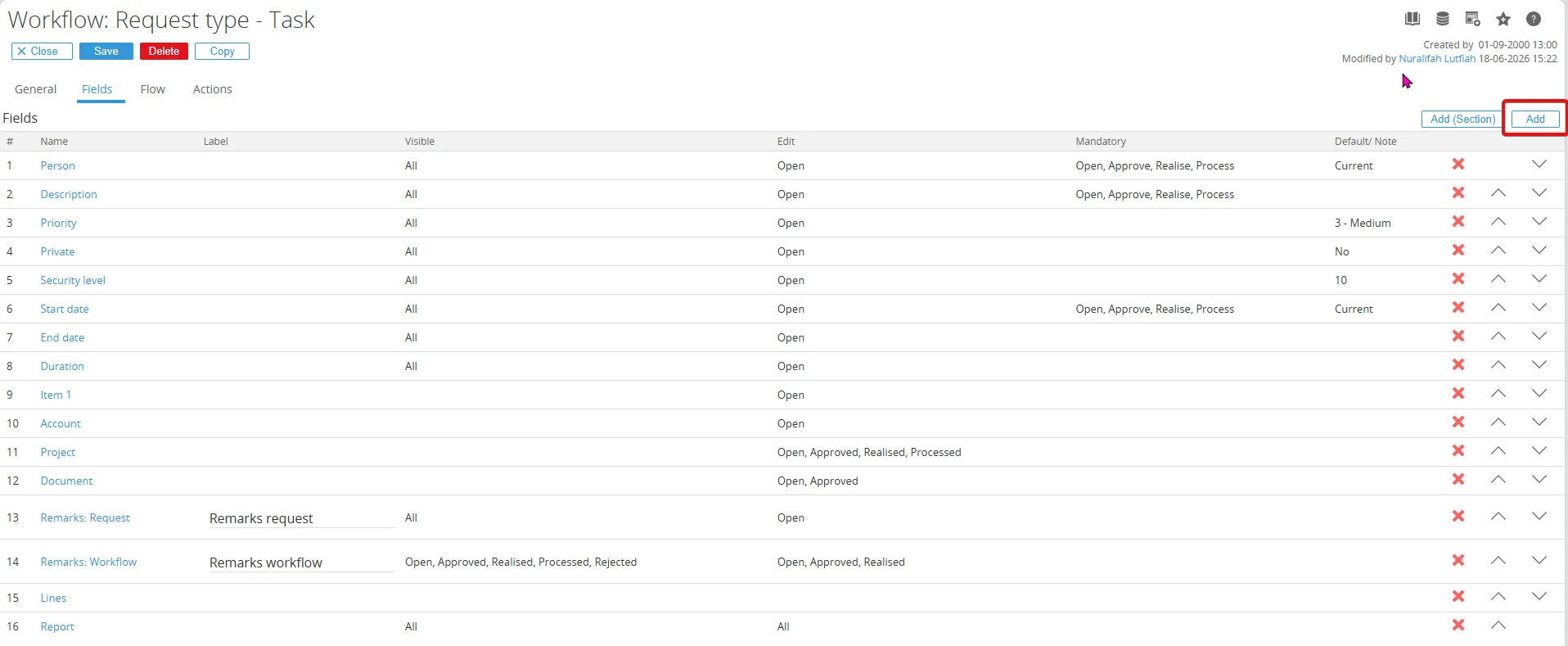
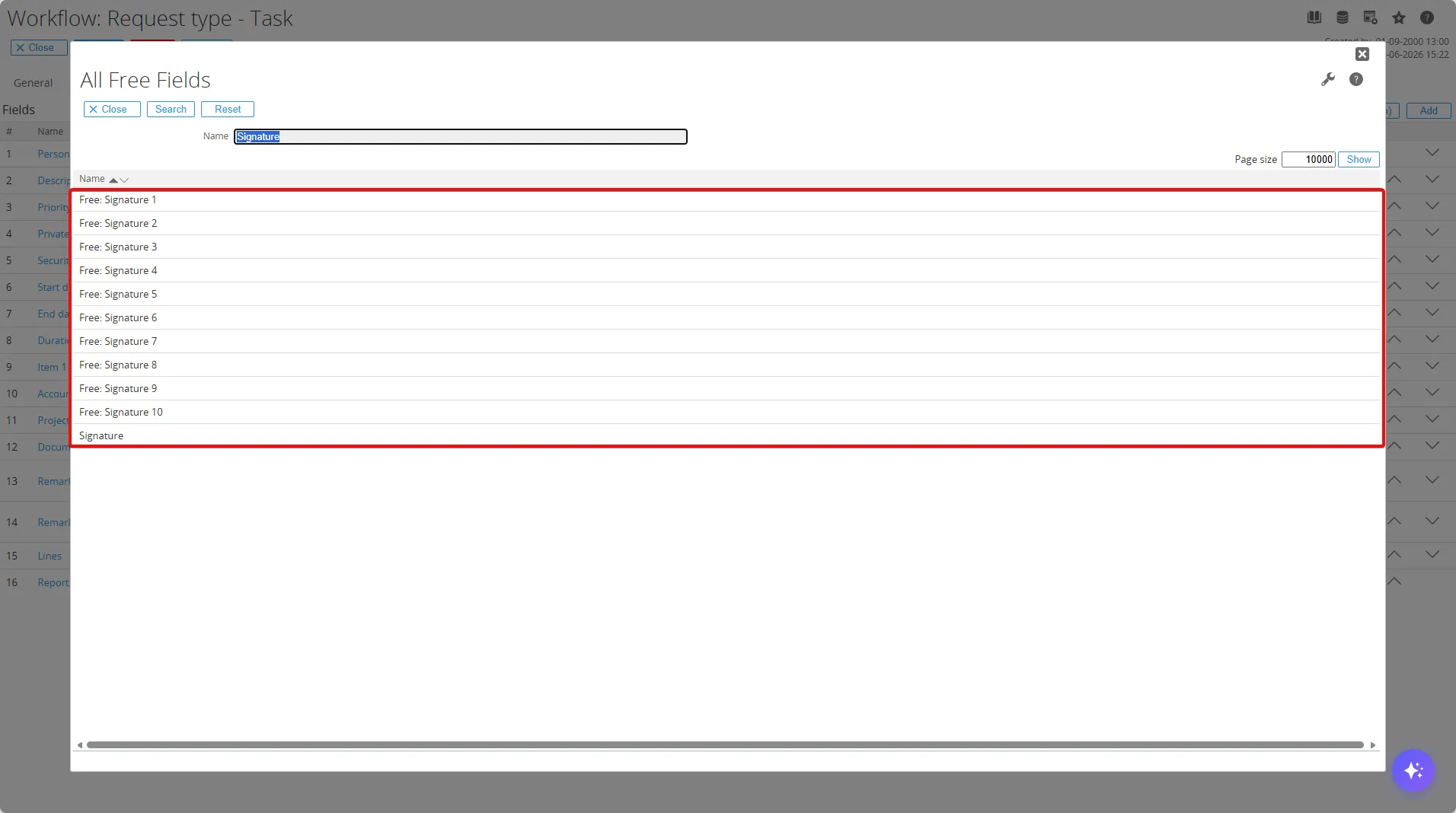
Open the Fields section and click the Add button.