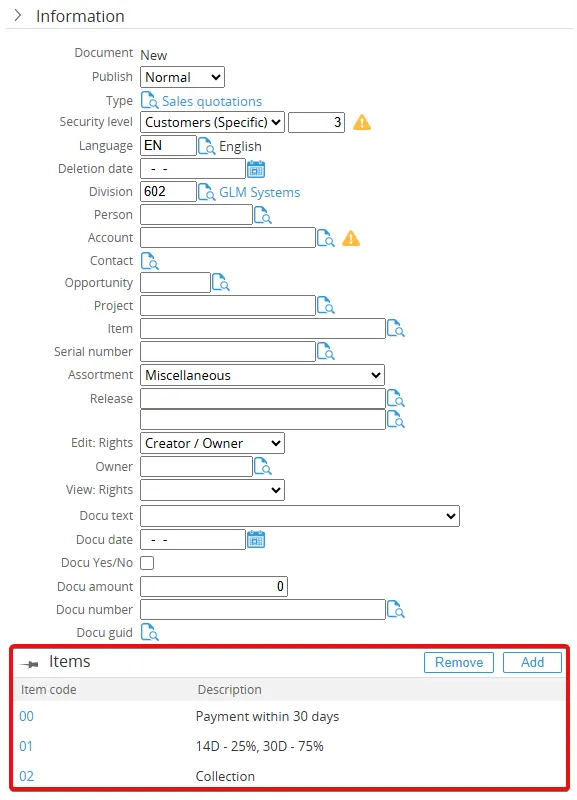
Document Plus - Multiple Items
Overview
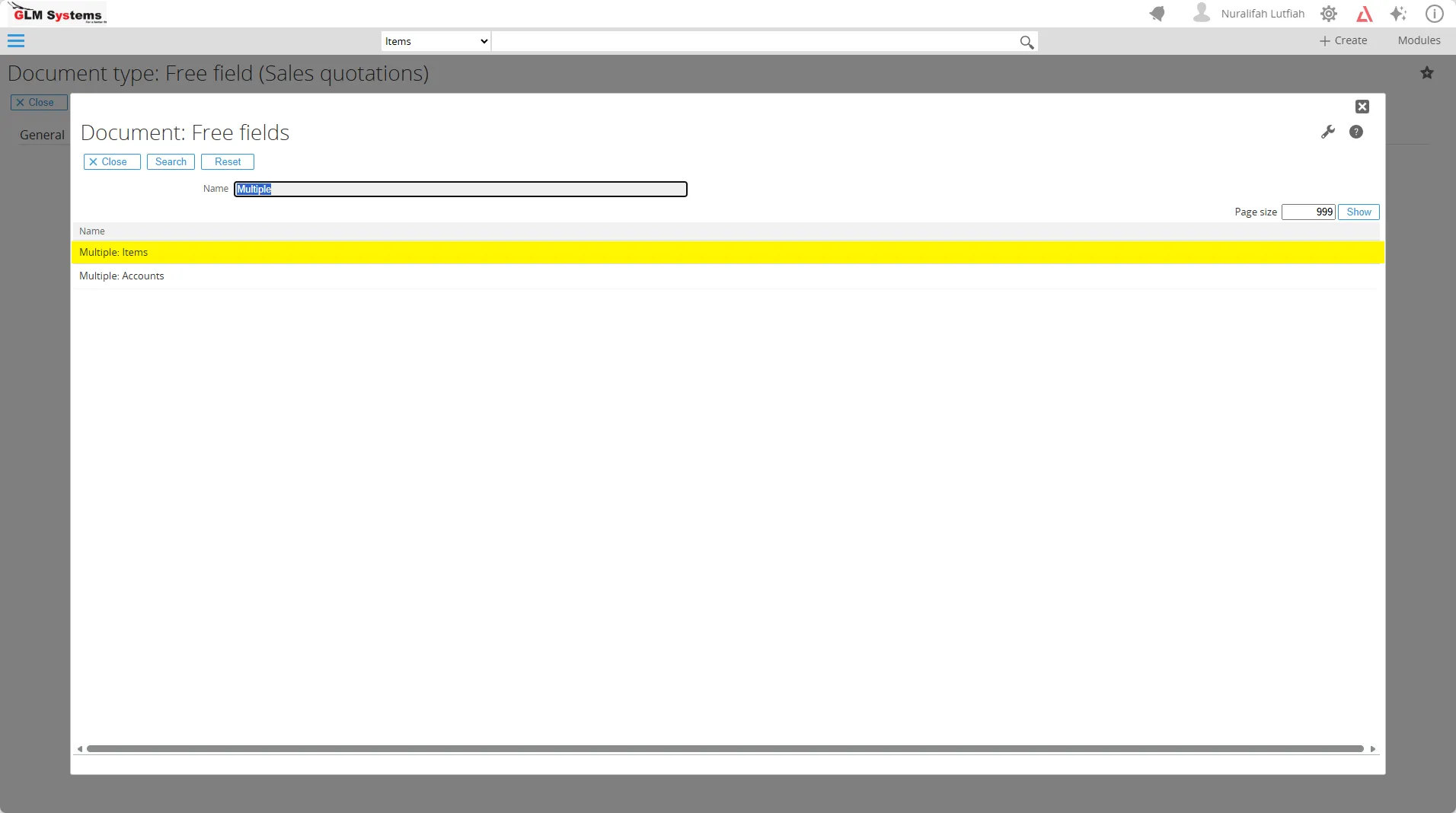
Section titled “Overview”The Multiple: Items field lets users add more than one item to a document request and manage them in one place.
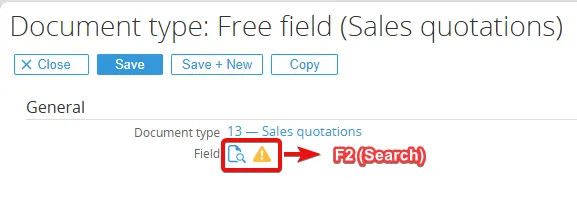
Go to Modules > Documents > Setup > Document Types and choose the document type you want.

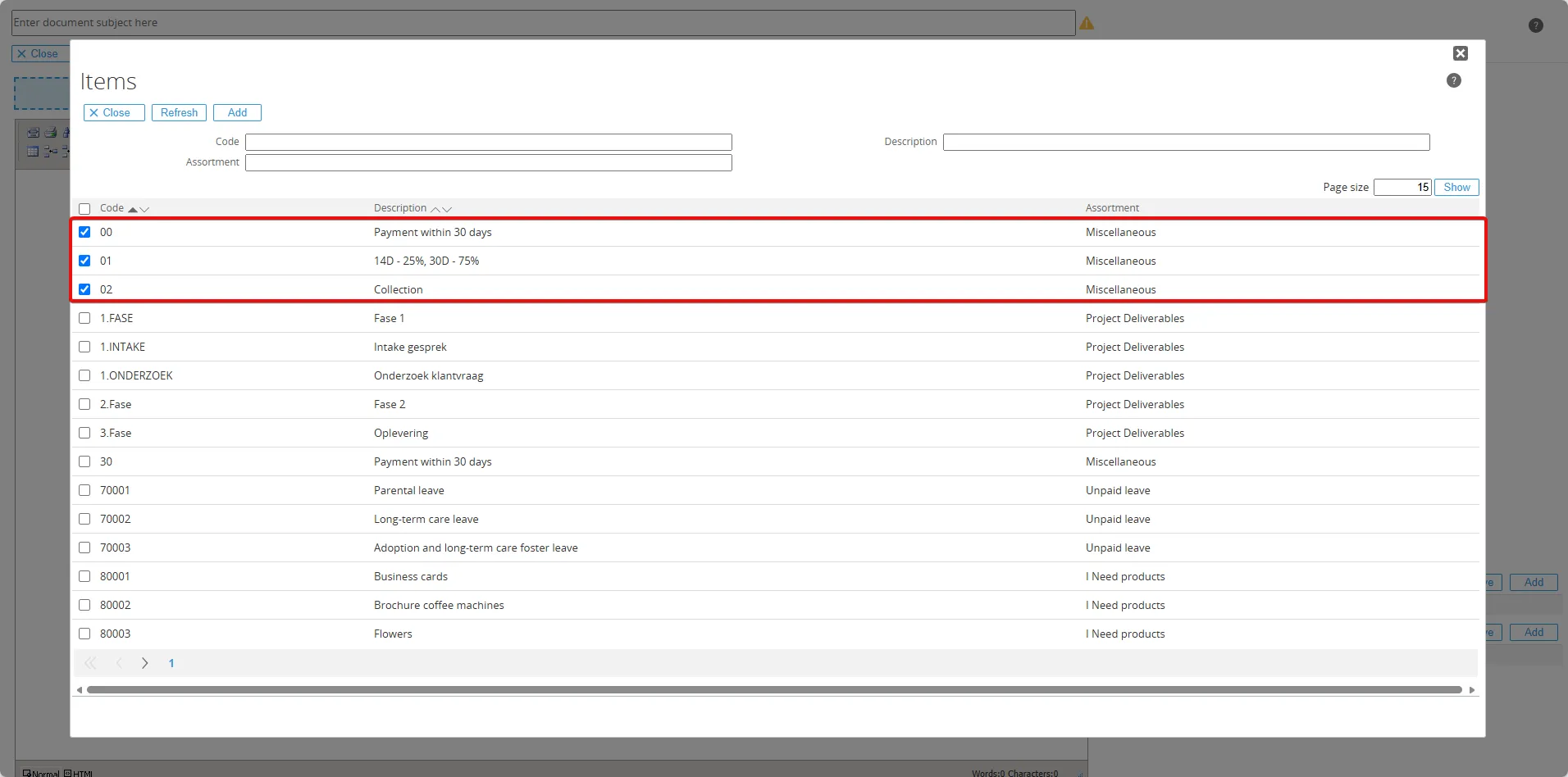
and now, in the document request, the items you selected will appear in the Information detail.