Workflow Plus - Column Sorting
Overview
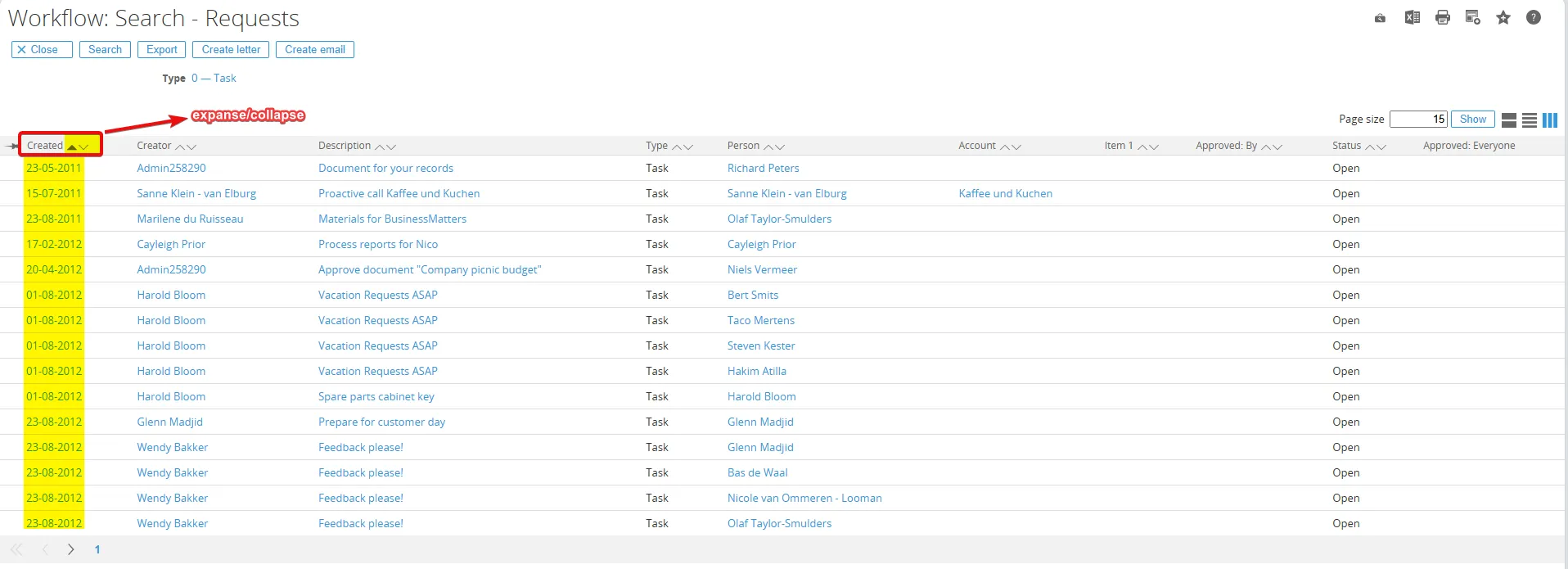
Section titled “Overview”This section explains how to sort request search results using the Workflow module. Users can use the Expand/Collapse button to sort records by any available column. Select Expand to display the newest records first or Collapse to display the oldest records first.
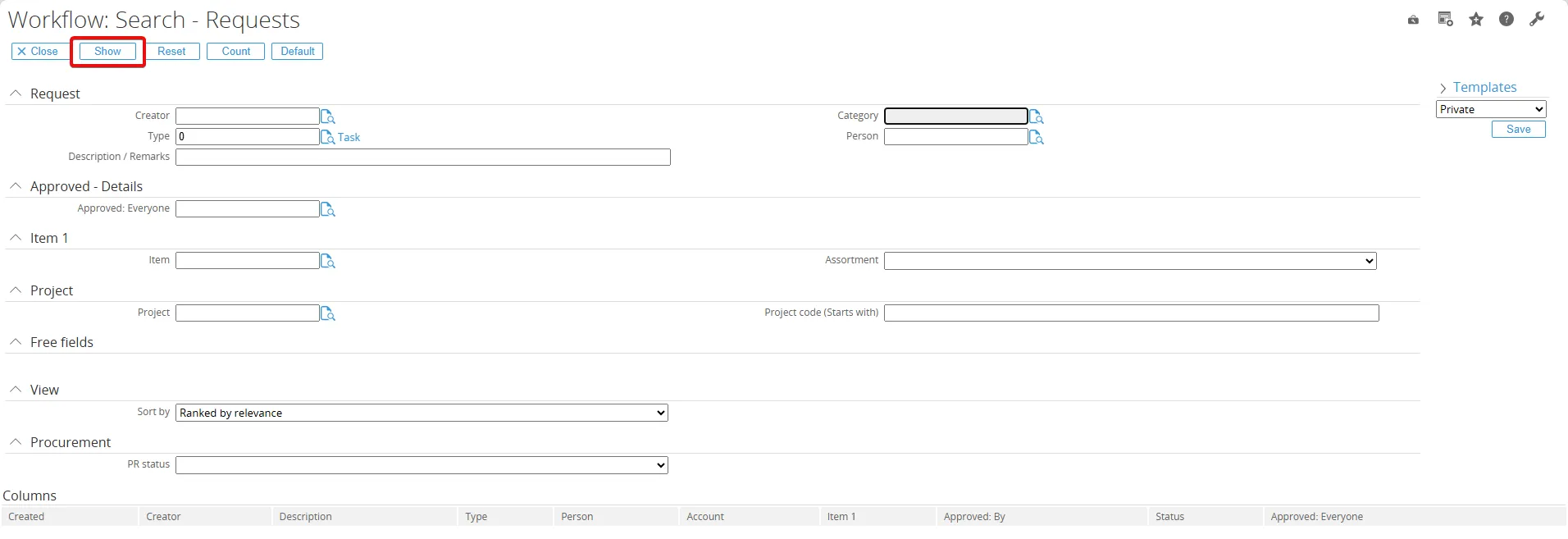
Go to Workflow > Reports > Requests > Search and click the Show button.