Workflow Plus - Request Section List
Request Section List
Section titled “Request Section List”In the request type, you can add two types of fields:
- Add section – to insert a new section (for example, a Request Section List or Lines section).
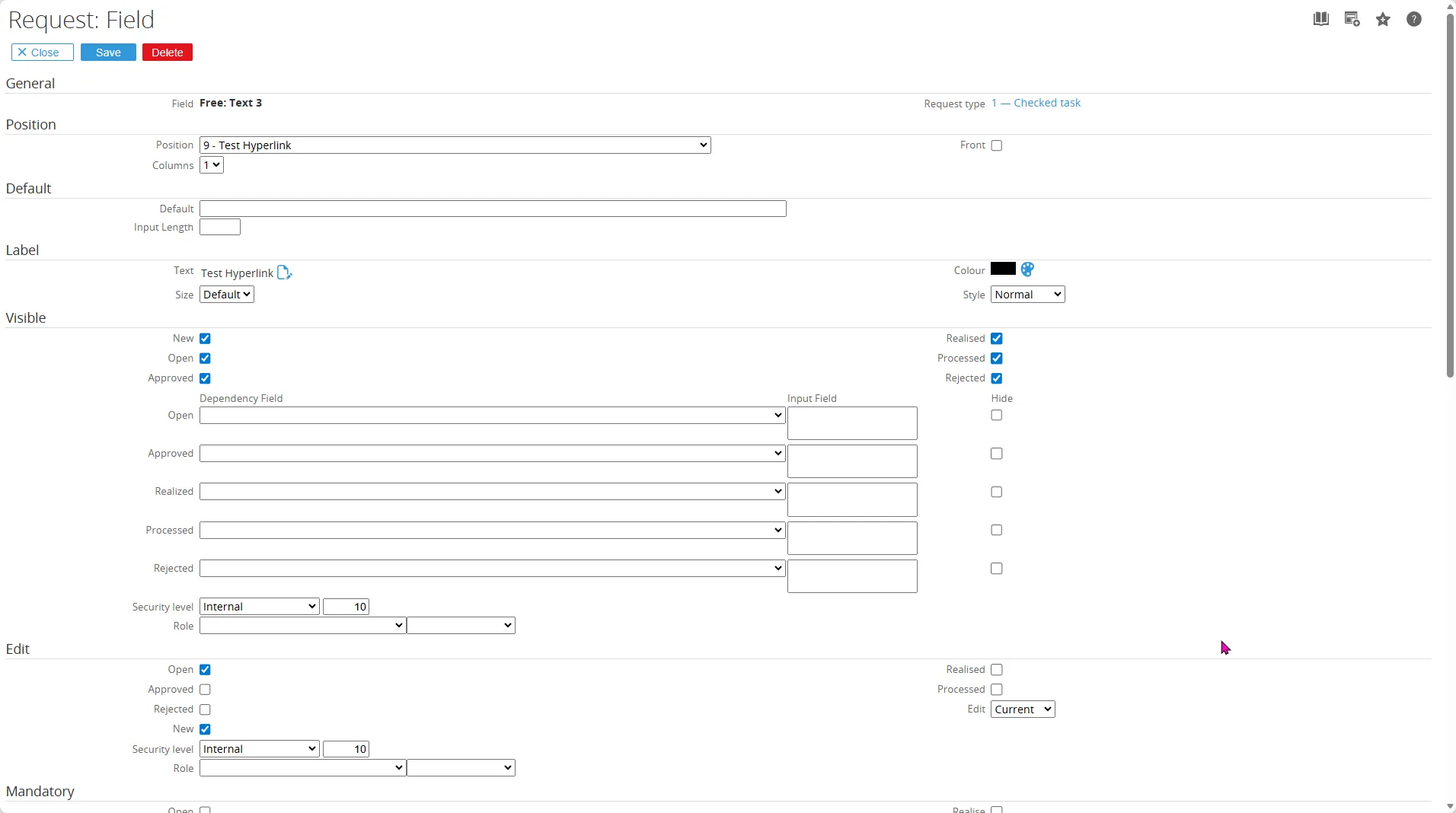
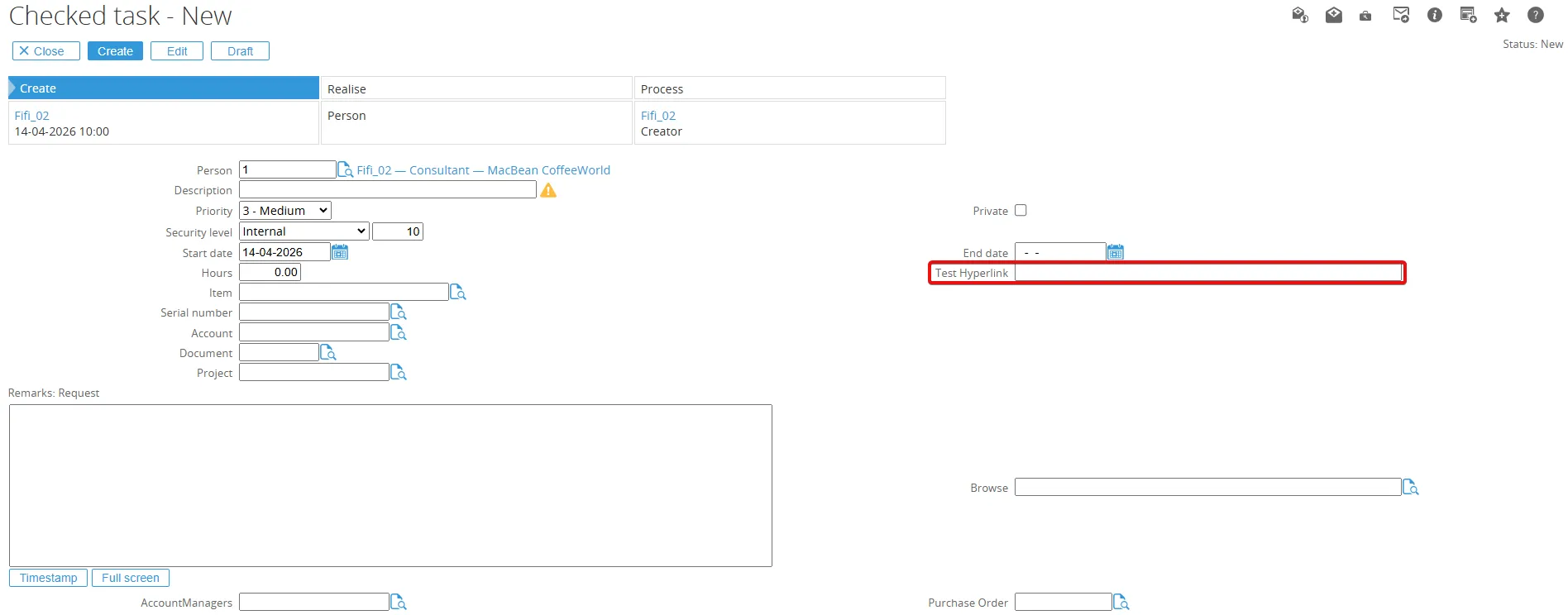
- Add fields – to add individual fields inside a section.
You can add a new section by going to Workflow > Setup > Request types.
Open the request type and at the top-right of the page, click Add to add a new section, then select the fields you want to show in the list.

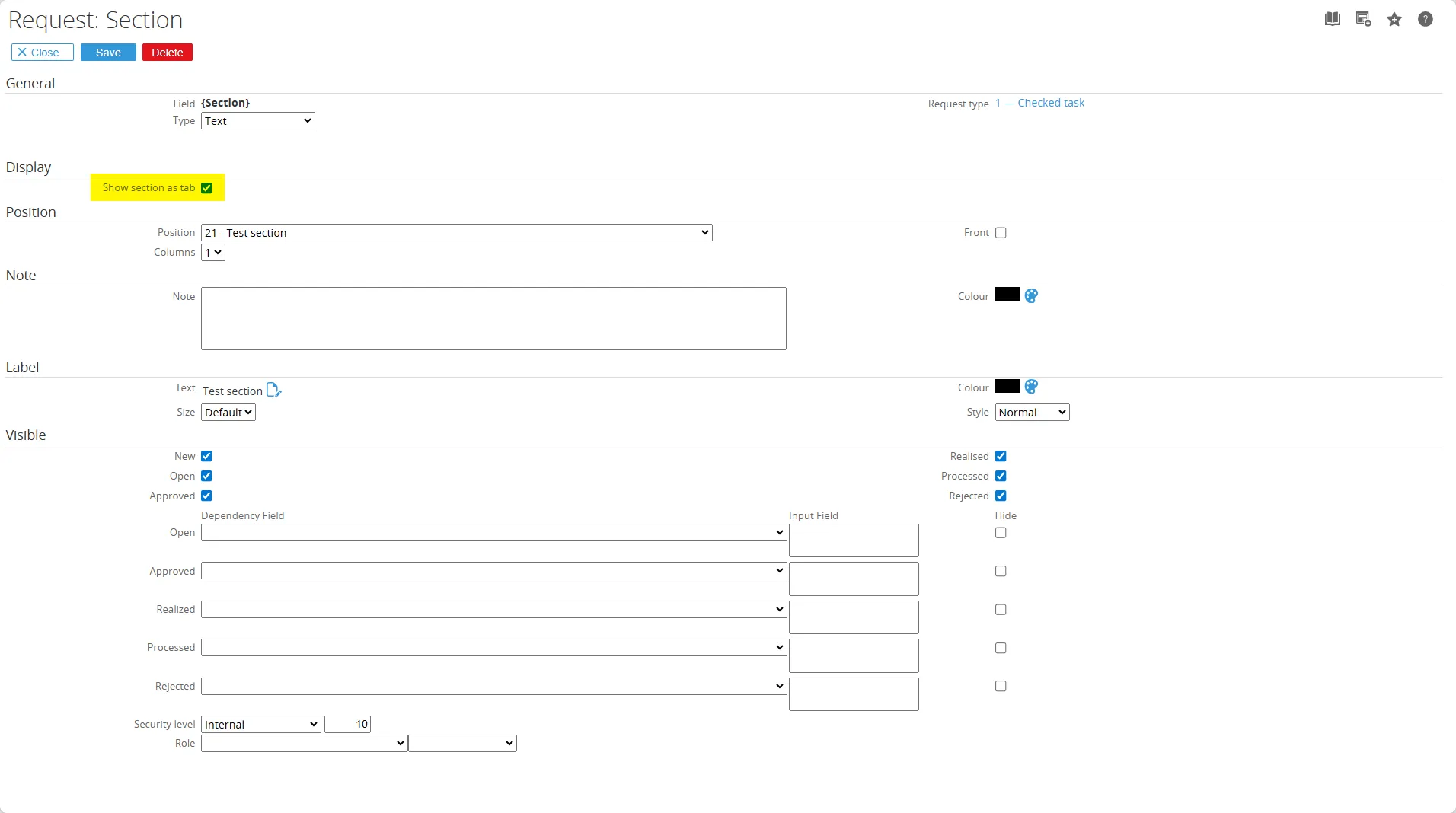
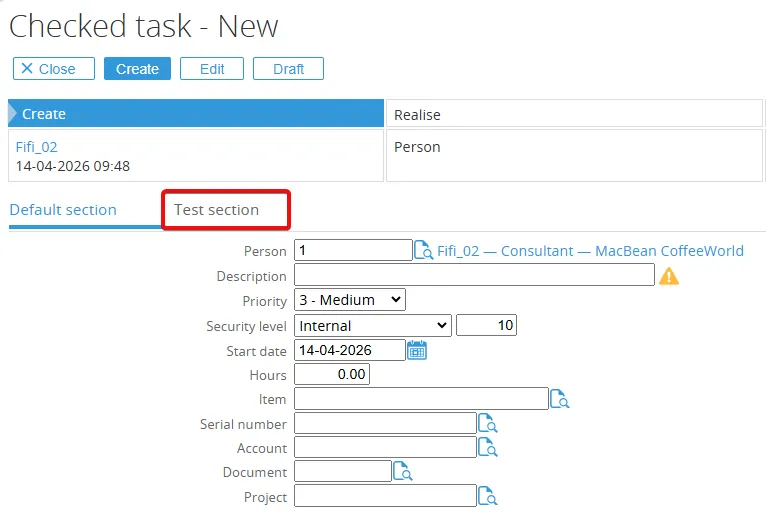
Choose any request type you want first, for example: Checked task, Choose Add (Section). In the new section, you can select the query that will be the source of the list and select the Show section as tab checkbox to display the new section as a tab.