Workflow Plus - Request Field Visibility
Request field visibility
Section titled “Request field visibility”-
The visibility of a request field is configured in the request field or request section of the request type maintenance. In the visible section, two new options are available:
- Security level
- Role
-
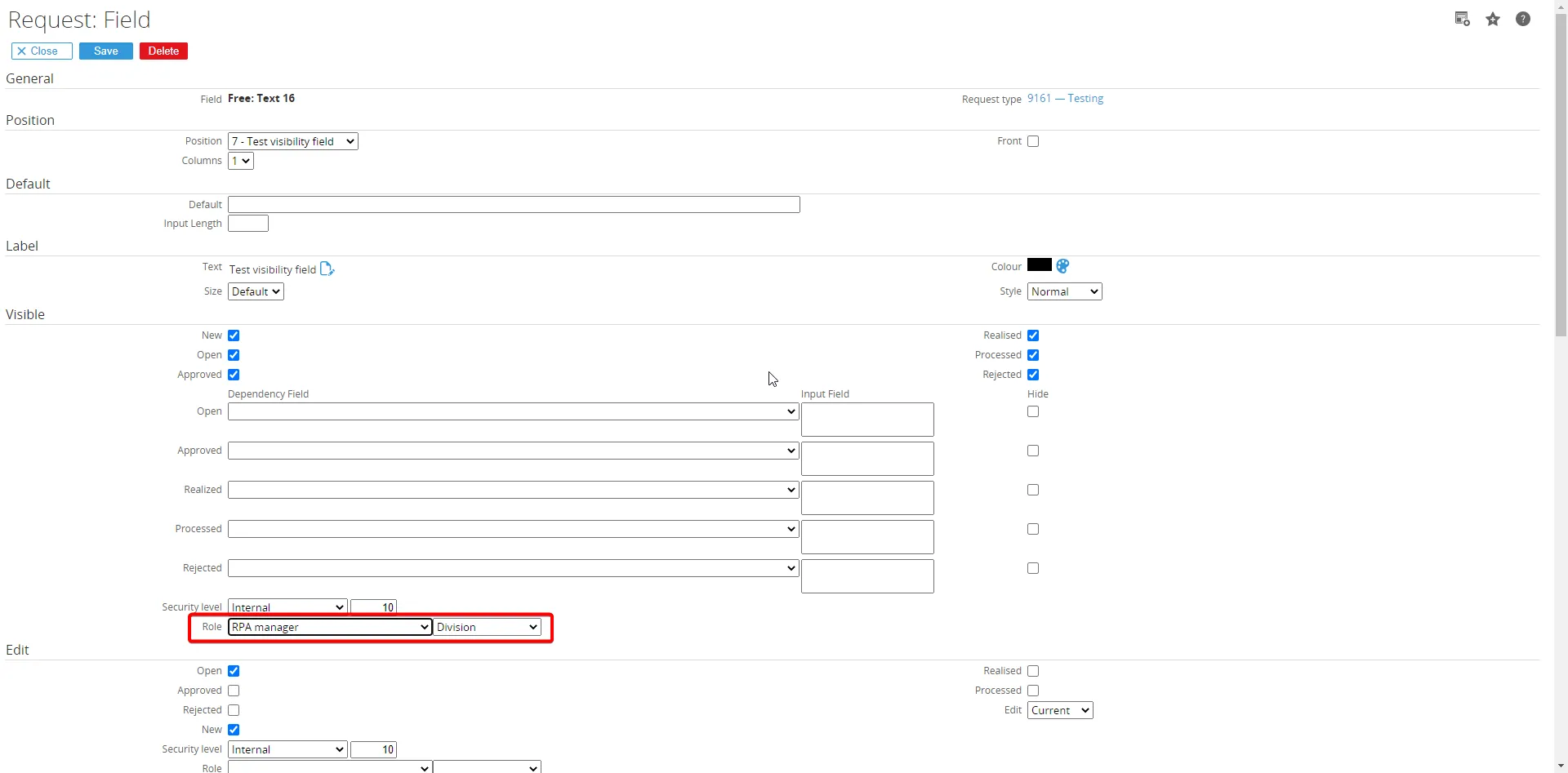
To control who can view a request field, set a specific security level or role.
-
Users who can open the request but have a lower security level than defined for the field will not see this field. Users with the same or a higher security level will see it.
-
The same logic applies to roles: only users with the role defined for the field will see it in the request. User without that role will not see the field.
-
In the example above, the field is only visible for the Procurement manager role. Only users with this role can see the field when creating a new request. Users without this role will not see it.
-
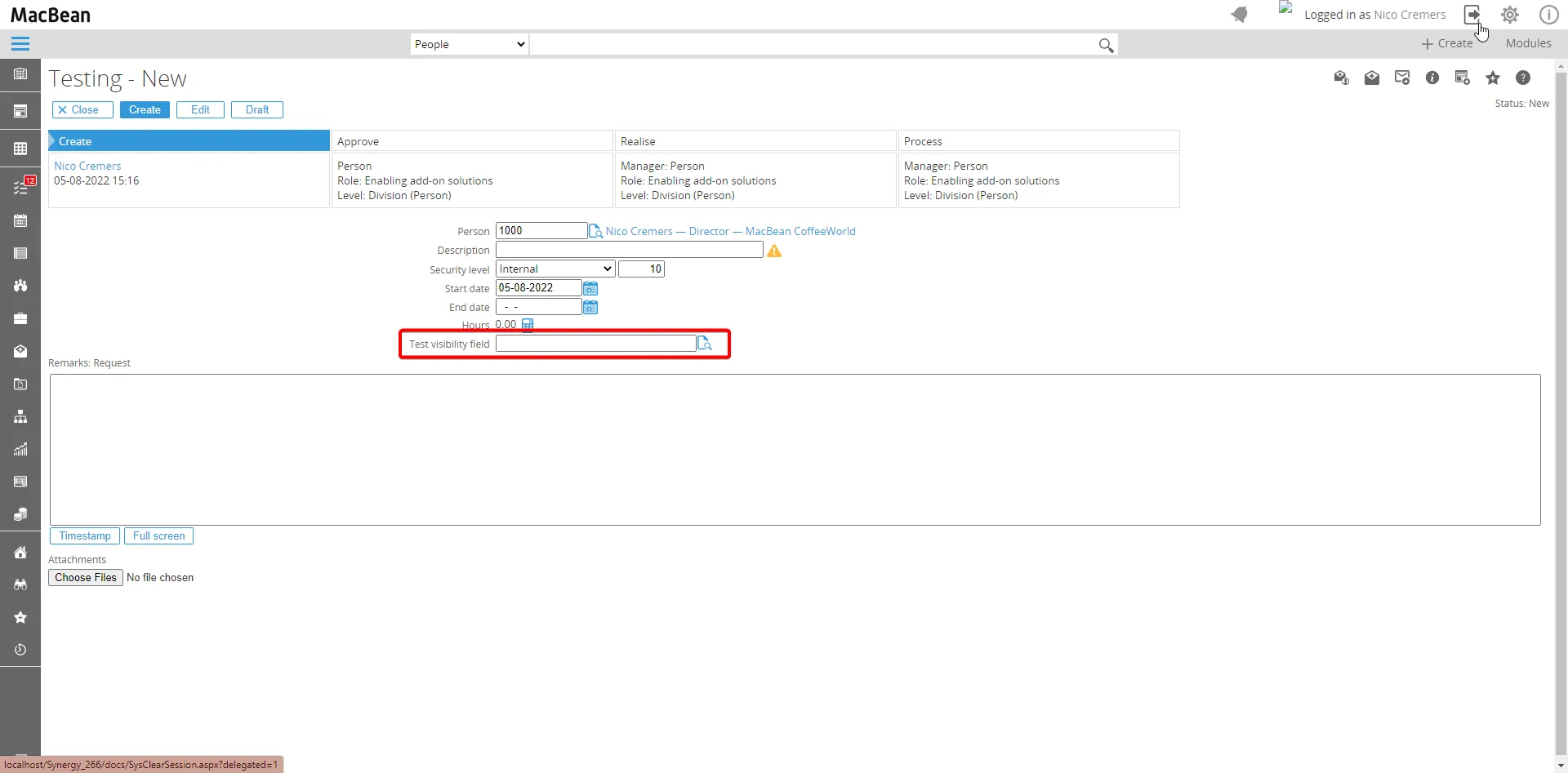
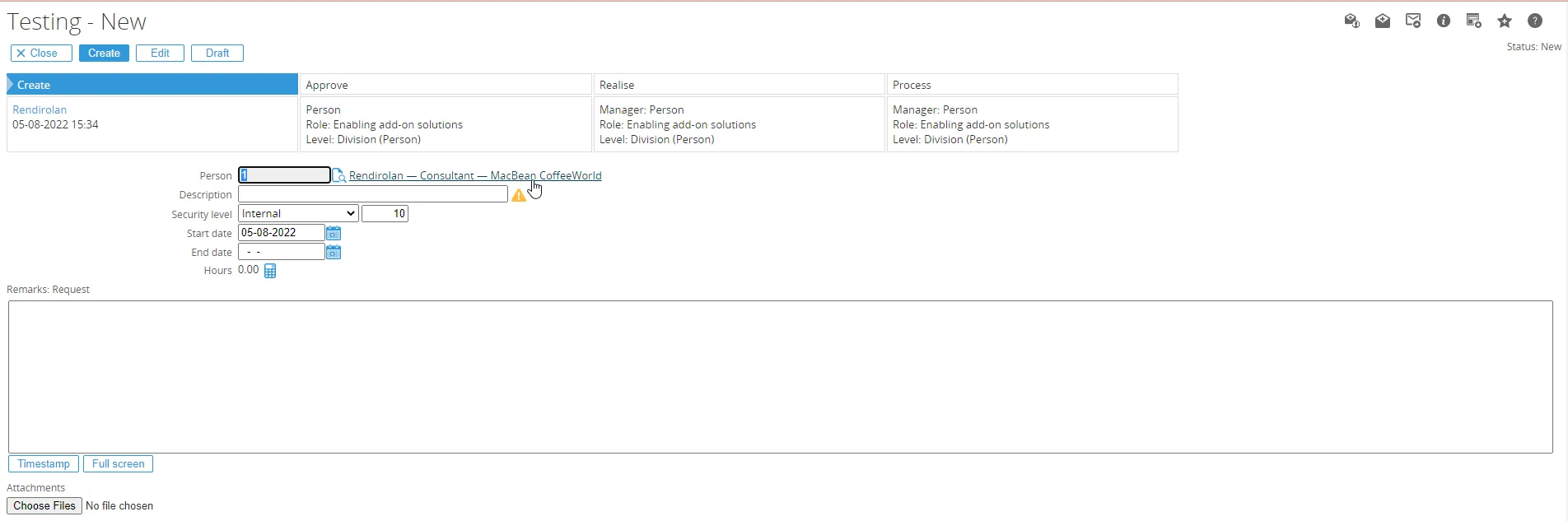
In the example below, users without the RPA manager role cannot see the field.
Fields only editable in New mode
Section titled “Fields only editable in New mode”-
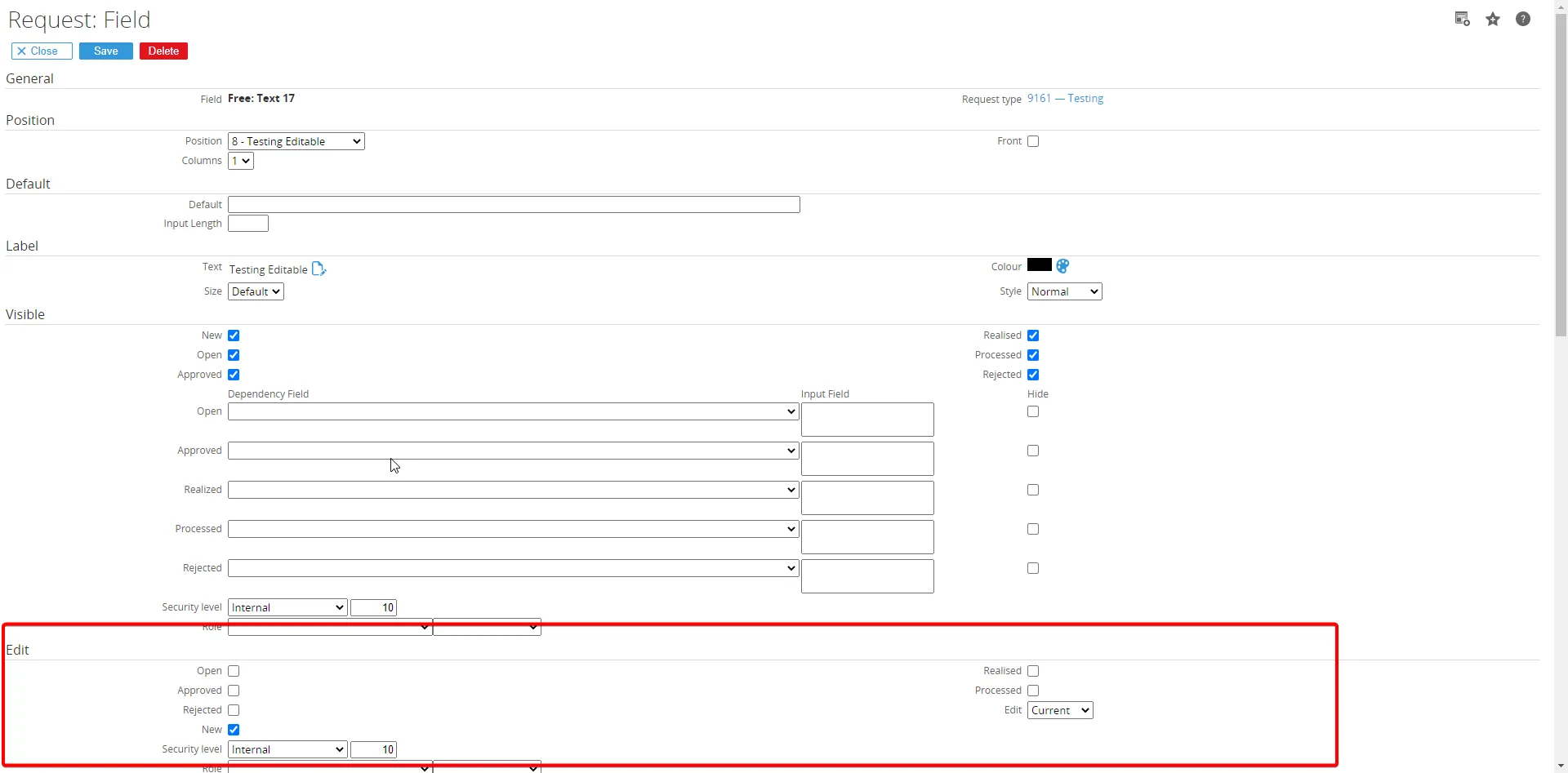
In the request definition, you can specify whether a field is editable in the: Open Approve Realizse Process status. By default, it is not possible to make a field editable only in New status and read-only in all other statuses.
-
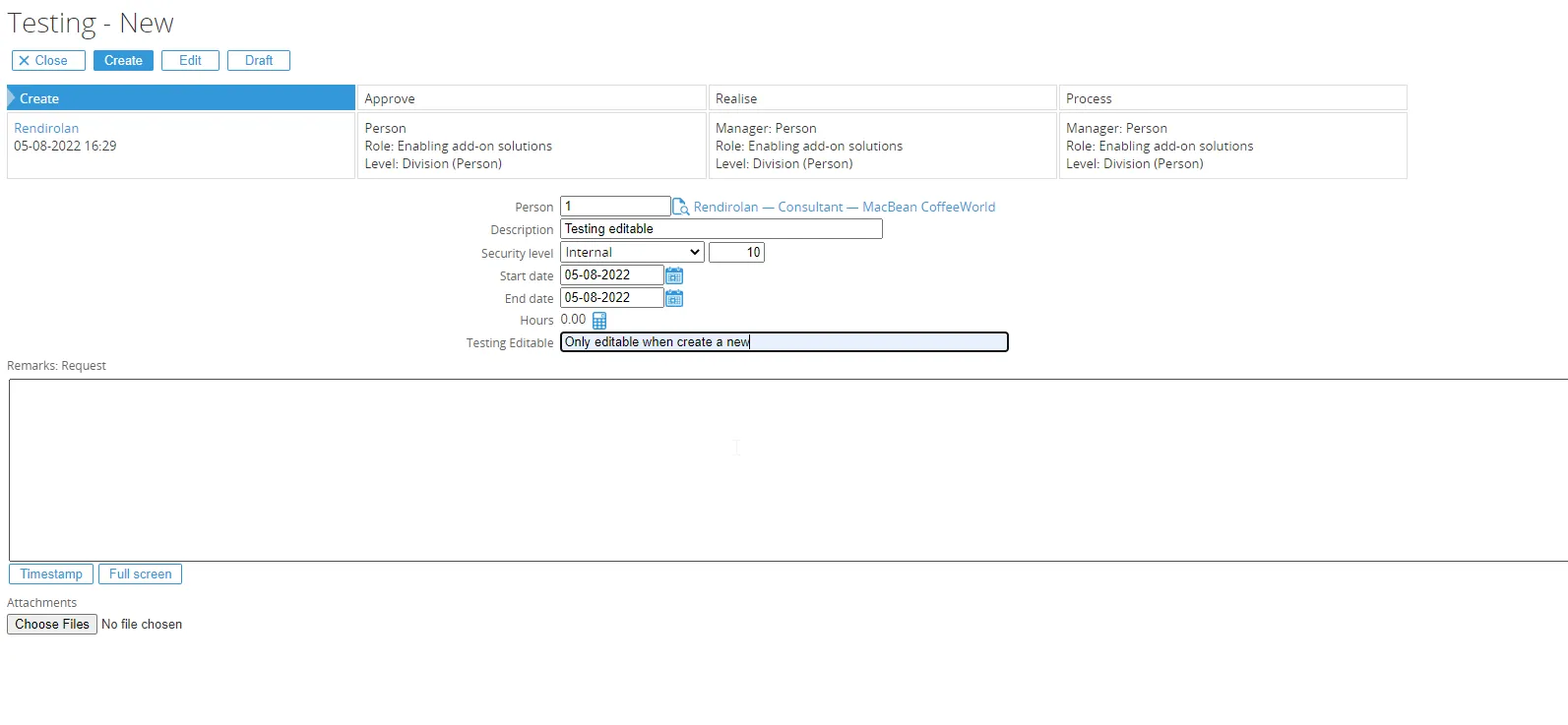
An additional option has been added to the request field definition that allows you to set a field as editable only in New mode.
-
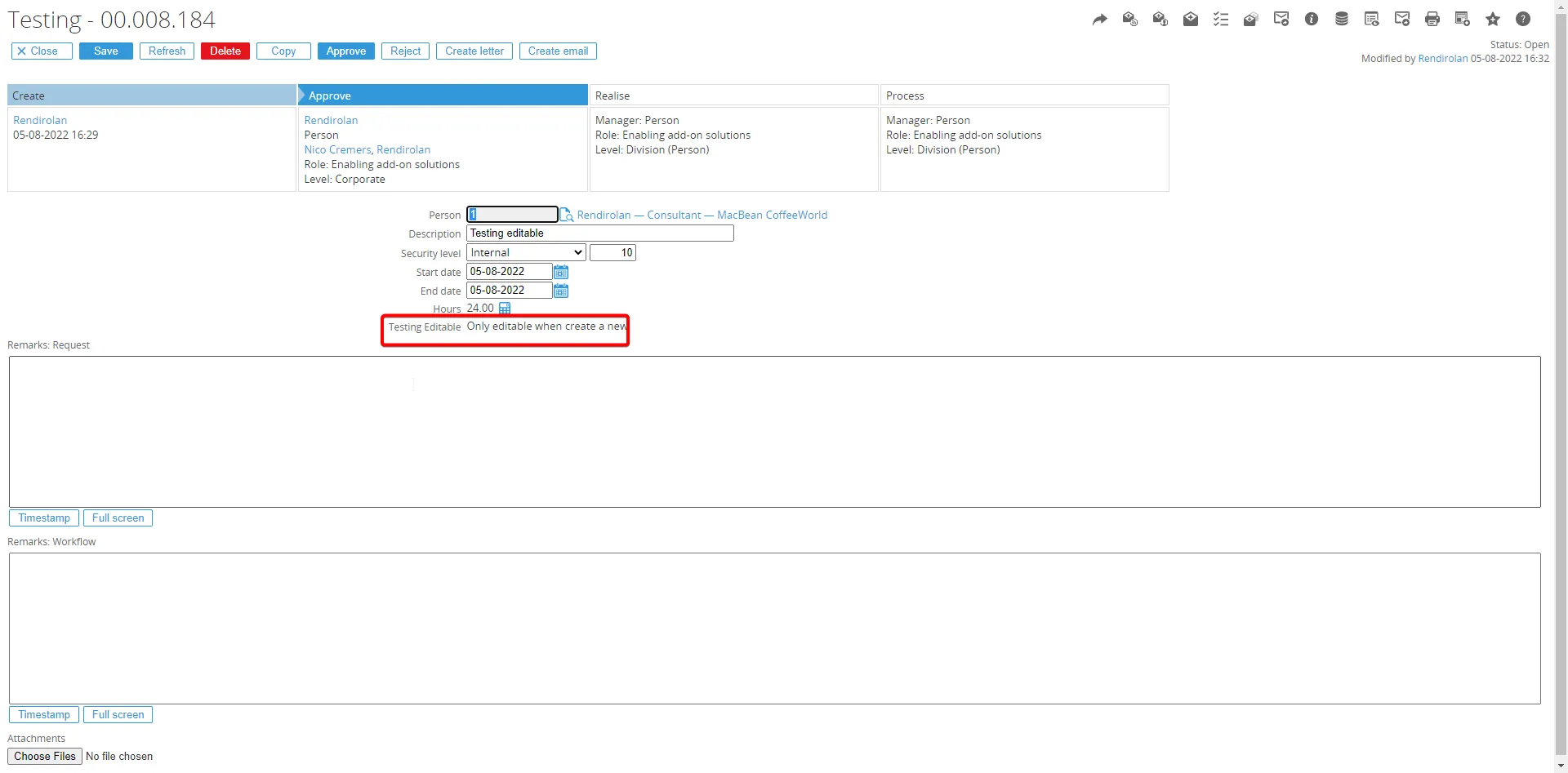
When this option is enabled, the field is editable only when creating a new request. After the request is submitted, the field becomes read-only for all subsequent workflow statuses.