Workflow Plus - Bulk Actions
Overview
Section titled “Overview”This module explains how to make bulk actions in your workflow request.
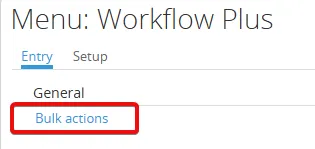
Go to Workflow Plus > Entry > General > Bulk actions.

| Option | Description |
|---|---|
| Search | Allows you to search for specific requests based on criteria such as request type, status, or assigned user. |
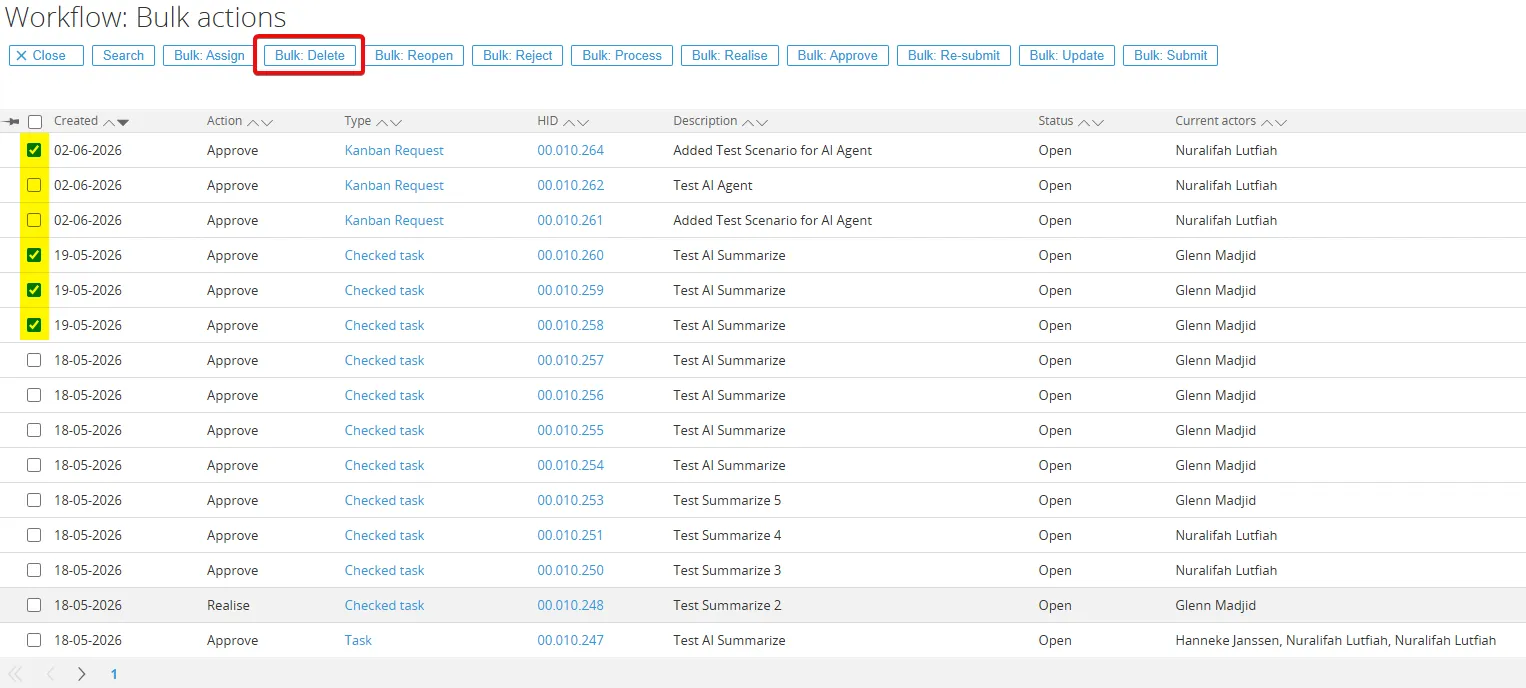
| Bulk Assign | Allows you to assign multiple requests to a specific user at once. |
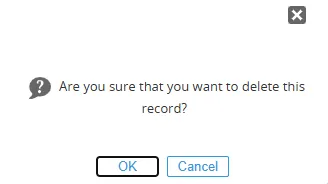
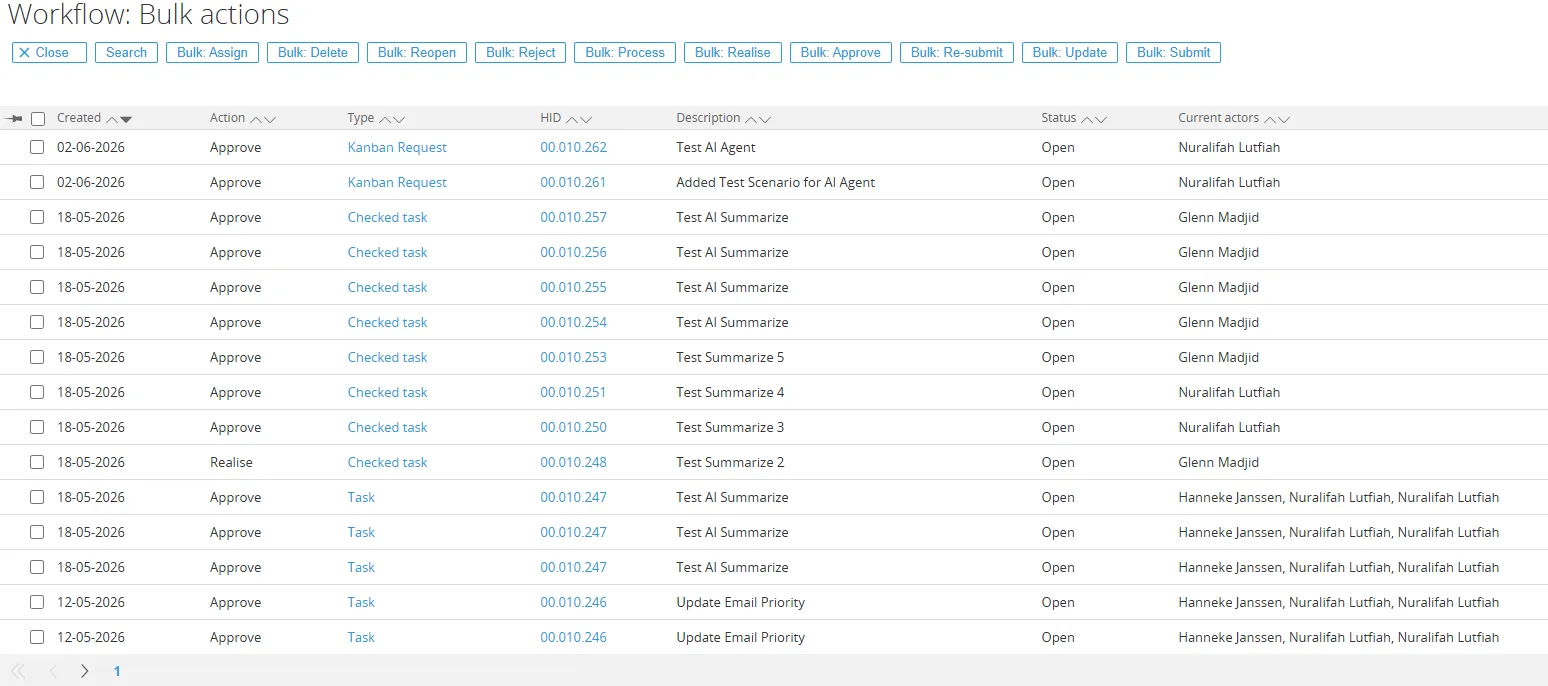
| Bulk Delete | Allows you to delete multiple requests at once. |
| Bulk Reopen | Allows you to reopen multiple requests at once. |
| Bulk Reject | Allows you to reject multiple requests at once. |
| Bulk Process | Allows you to process multiple requests at once, such as moving them to the next workflow step or updating their status. |
| Bulk Realise | Allows you to realise multiple requests at once, completing them and moving them to the next workflow step. |
| Bulk Approve | Allows you to approve multiple requests at once. |
| Bulk Re-submit | Allows you to resubmit multiple requests at once, sending them back to the previous workflow step for further review or modification. |
| Bulk Update | Allows you to update multiple requests at once, such as changing the request field or updating a new value. |
| Bulk Submit | Allows you to submit multiple requests at once, sending them to the next workflow step for further processing or approval. |