Skip to content

Document Plus - Multiple Projects

The Multiple: Projects field lets users add more than one project to a document request and manage them in one place.

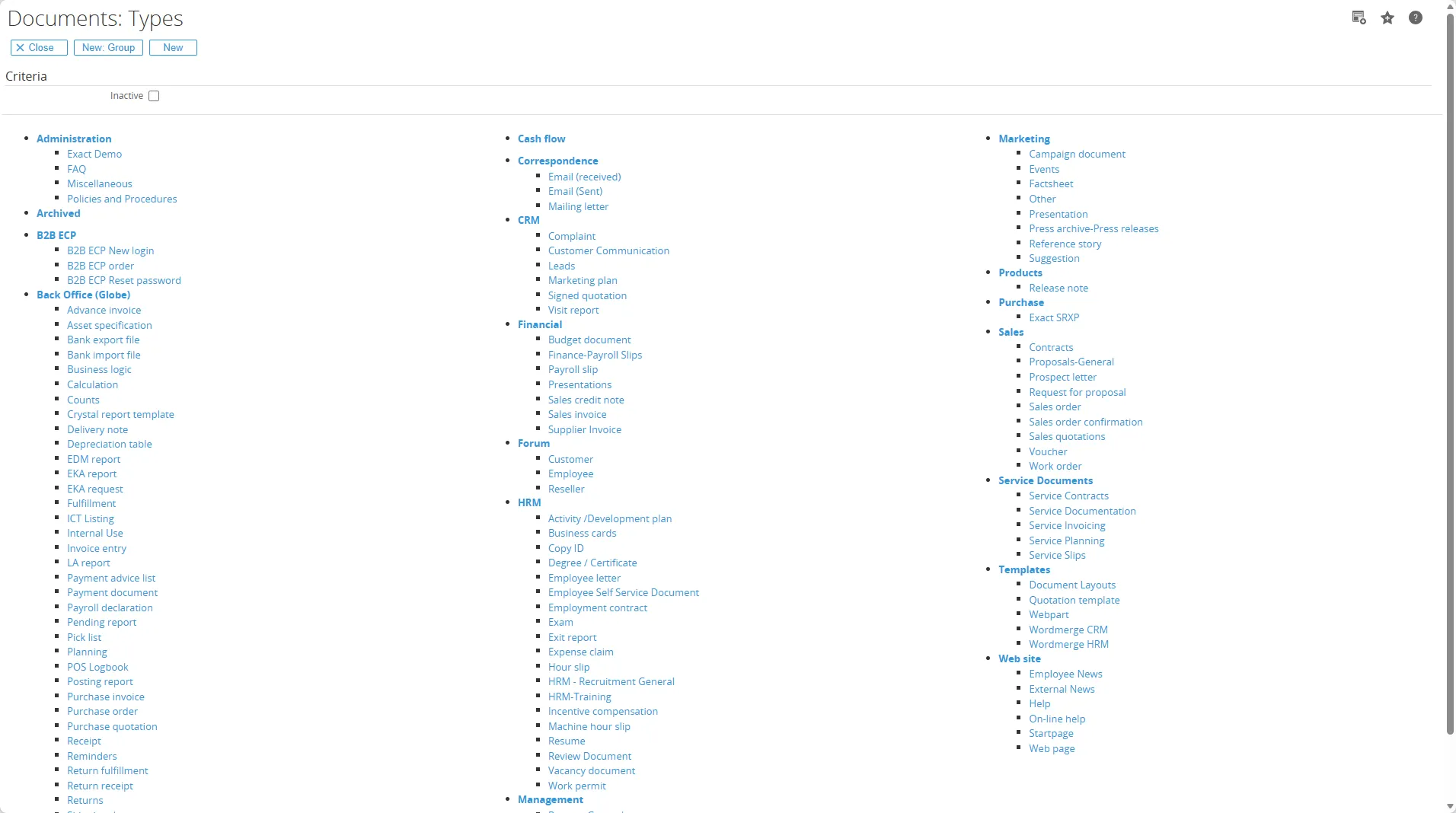
Go to Modules > Documents > Setup > Document Types and choose the document type you want.
MultipleAccounts In the Free fields section, click Add.
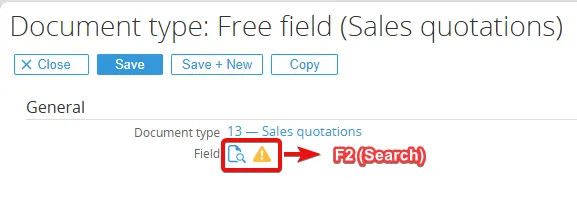
MultipleAccounts Press F2 (Search) in the Field section.
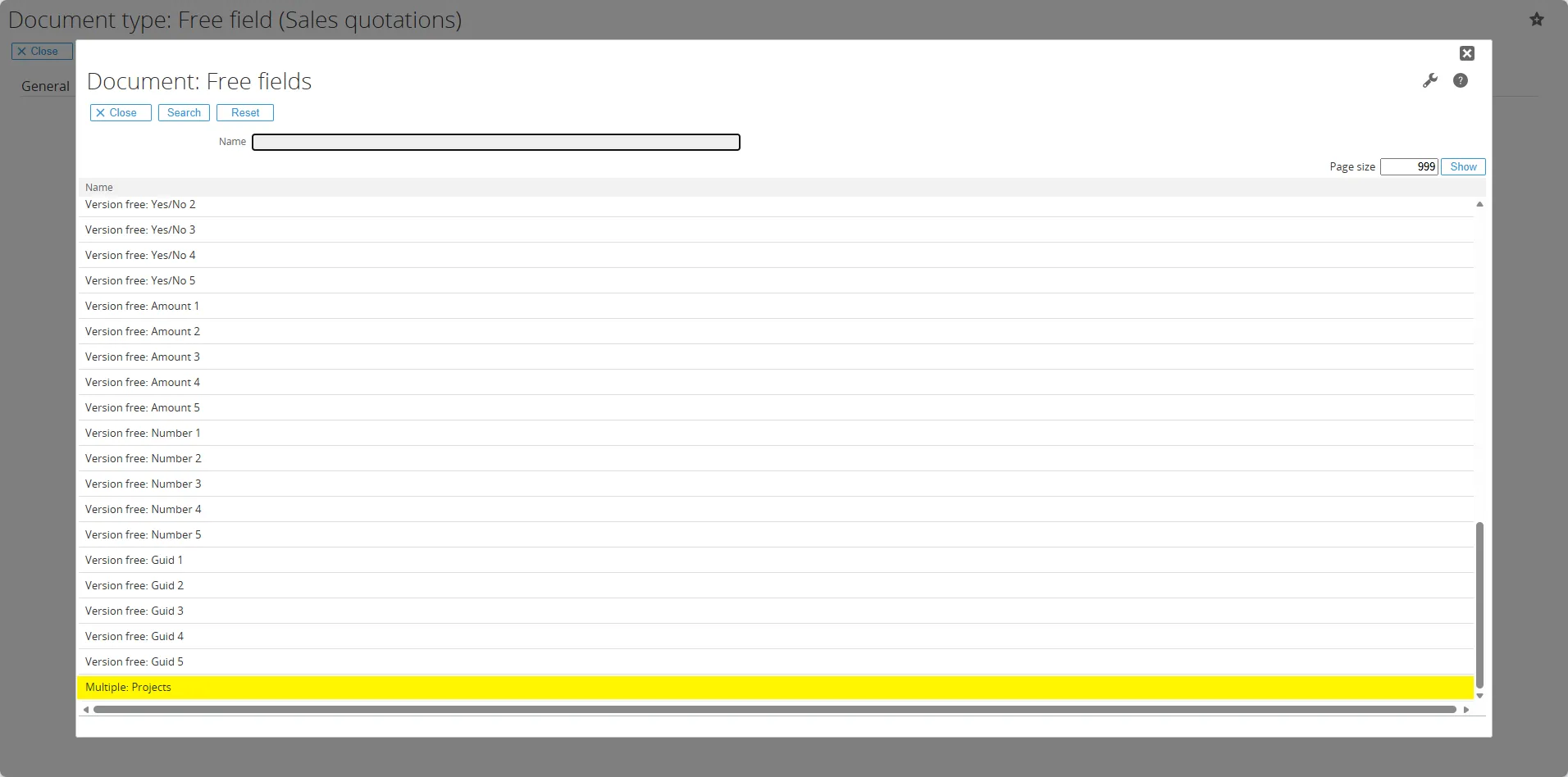
MultipleAccounts Search for Multiple: Projects in the Name search bar and click the Save button.
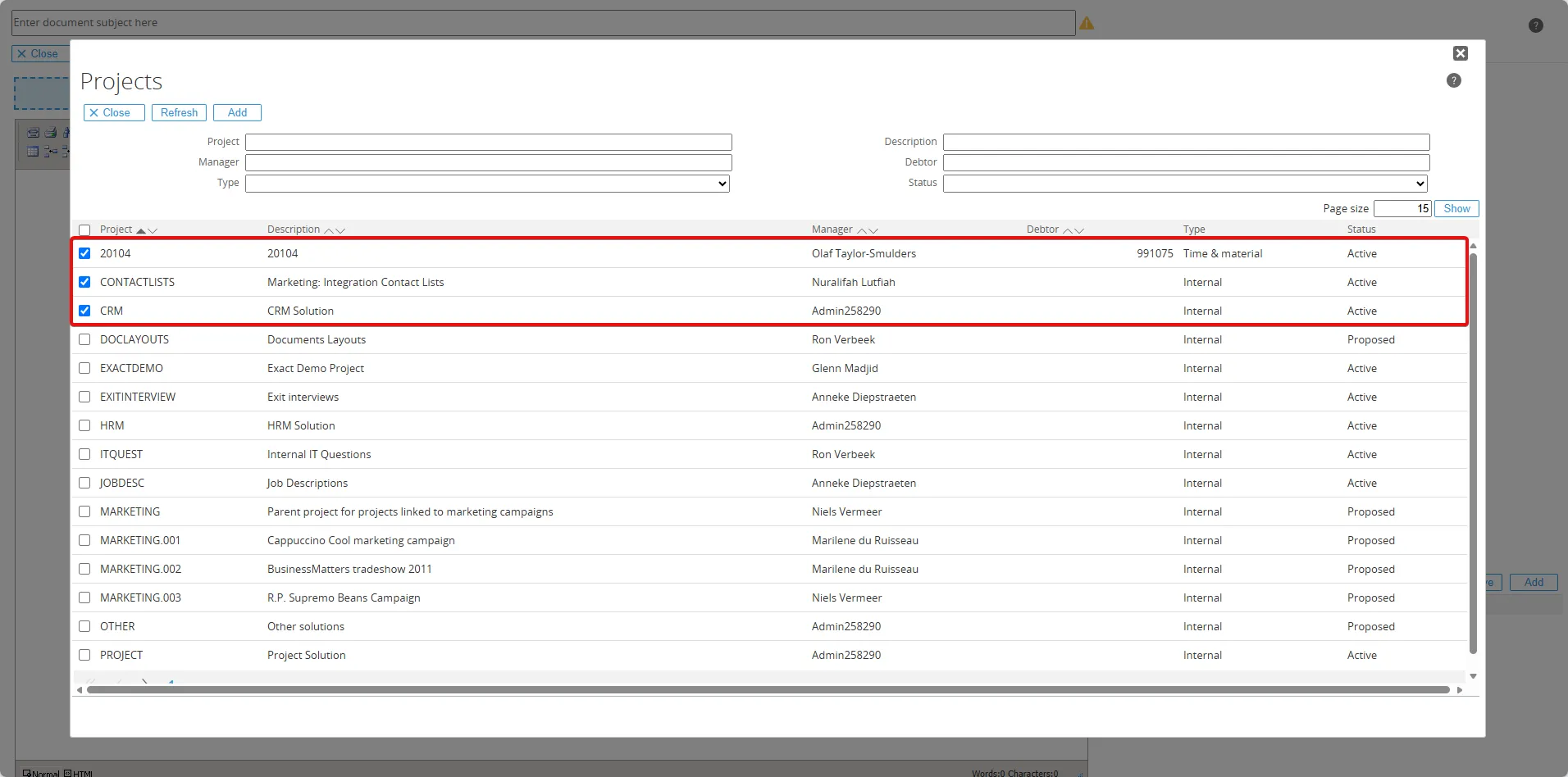
MultipleAccounts You can add multiple projects by clicking Add. For example, if you want to add three projects, simply select the checkboxes and click Add.
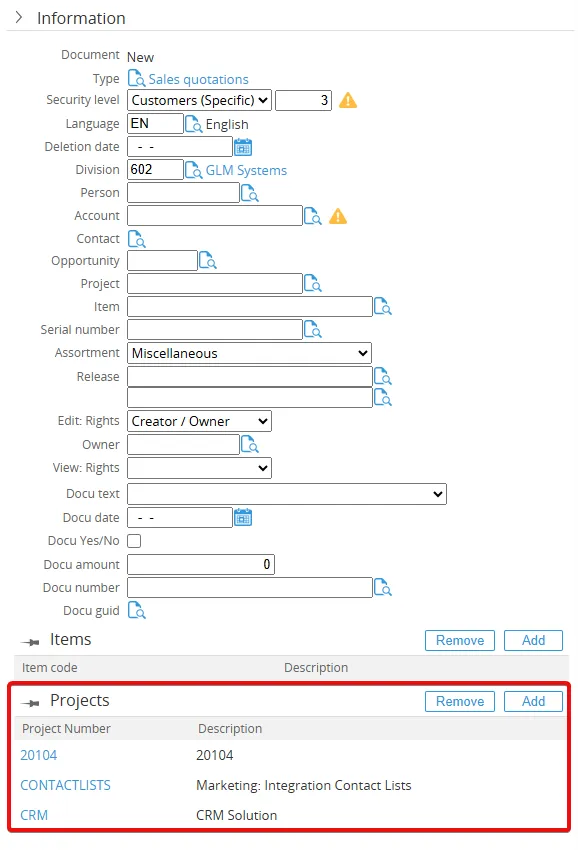
MultipleAccounts And now, in the document request, the accounts you selected will appear in the Information detail.
MultipleAccounts