Workflow Plus - Planned and Multiple Assign
Overview
Section titled “Overview”In the standard workflow, you can assign a request to one person for the current active step or stage. The person can only be assigned when the request reaches that stage. Standard Assign does not support assigning multiple people or planning assignments for future stages.
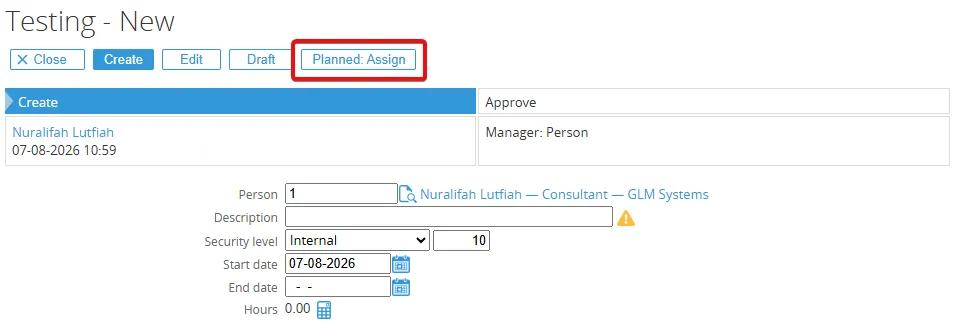
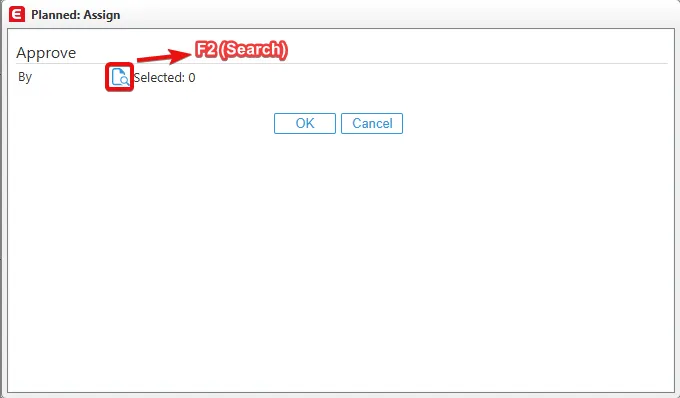
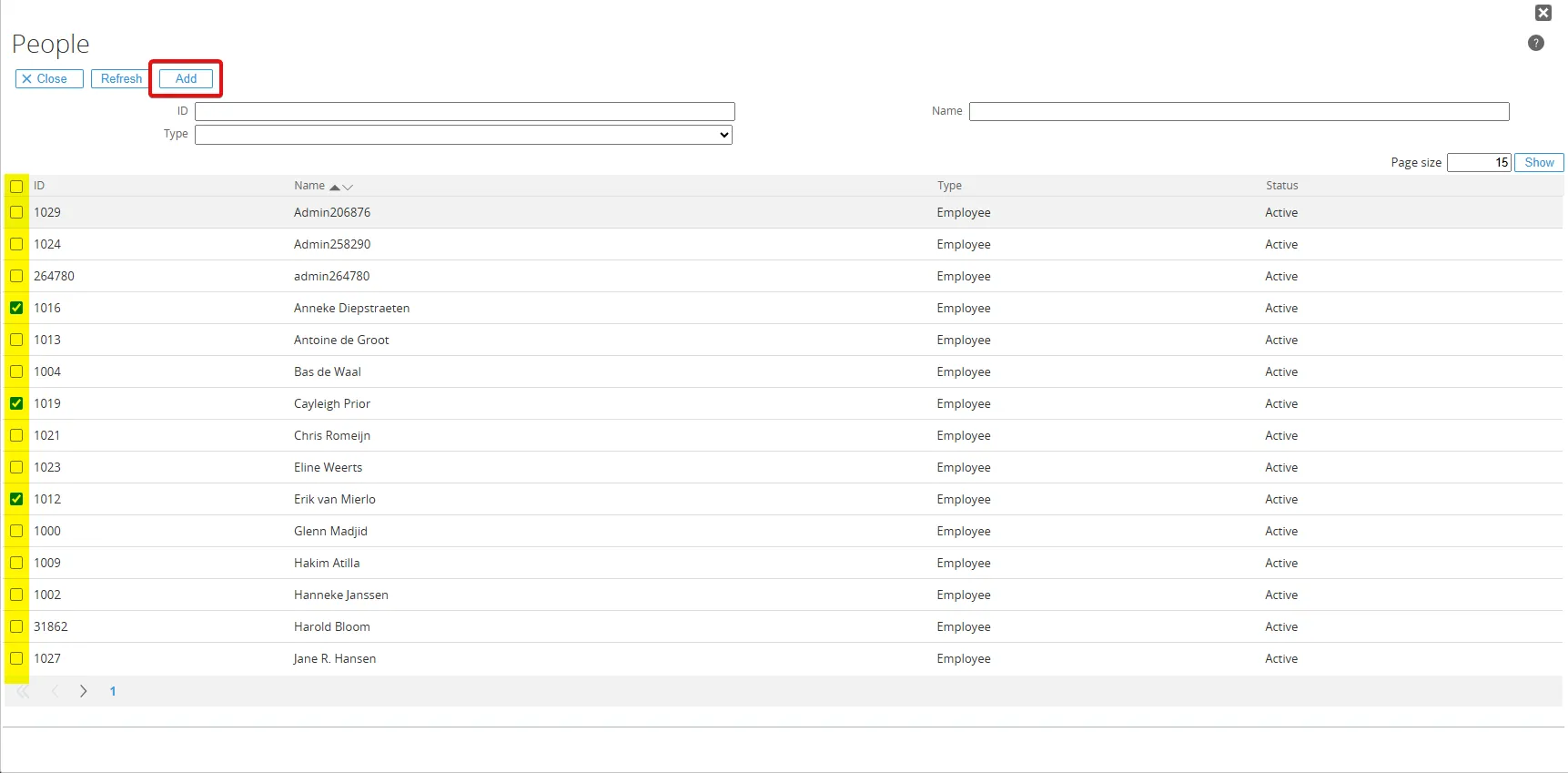
Workflow Plus Assign extends this functionality by allowing you to assign one or more people to the current stage and plan assignments for future stages. This makes it possible to determine in advance who will handle each step of the workflow. You can configure when planned assignments should be created in the request type definition. Planned assignments can be created when a request is:
- Submitted or resubmitted after rejection.
- Approved.
- Realised.
- Reopened.
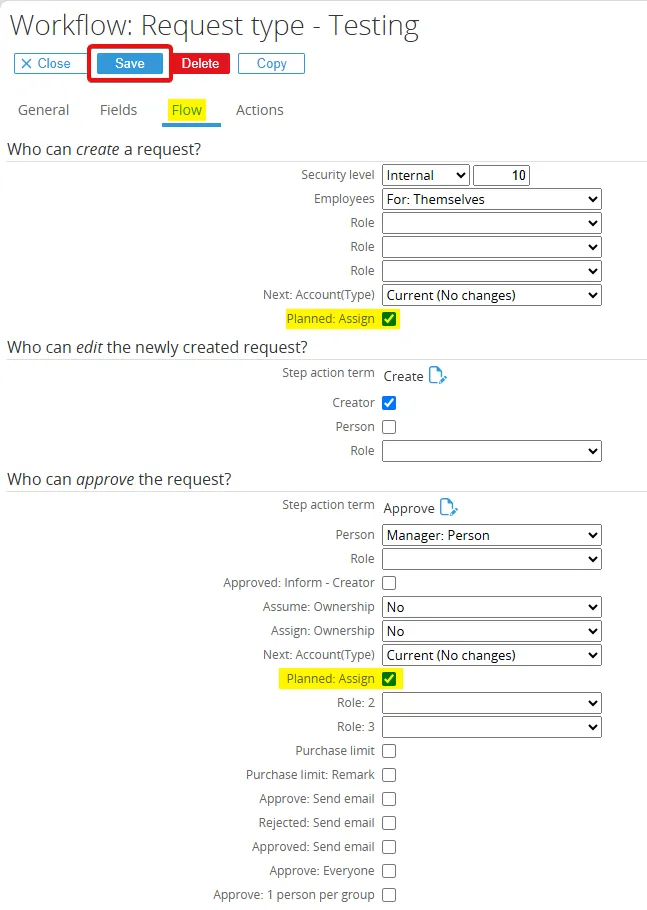
Go to Workflow > Setup > Requests > Request types and choose one of the request you want to add the planned and multiple assign feature.
Open Flow menu and click the Planned: Assign and click the Save button.