License
Check the license expiration date
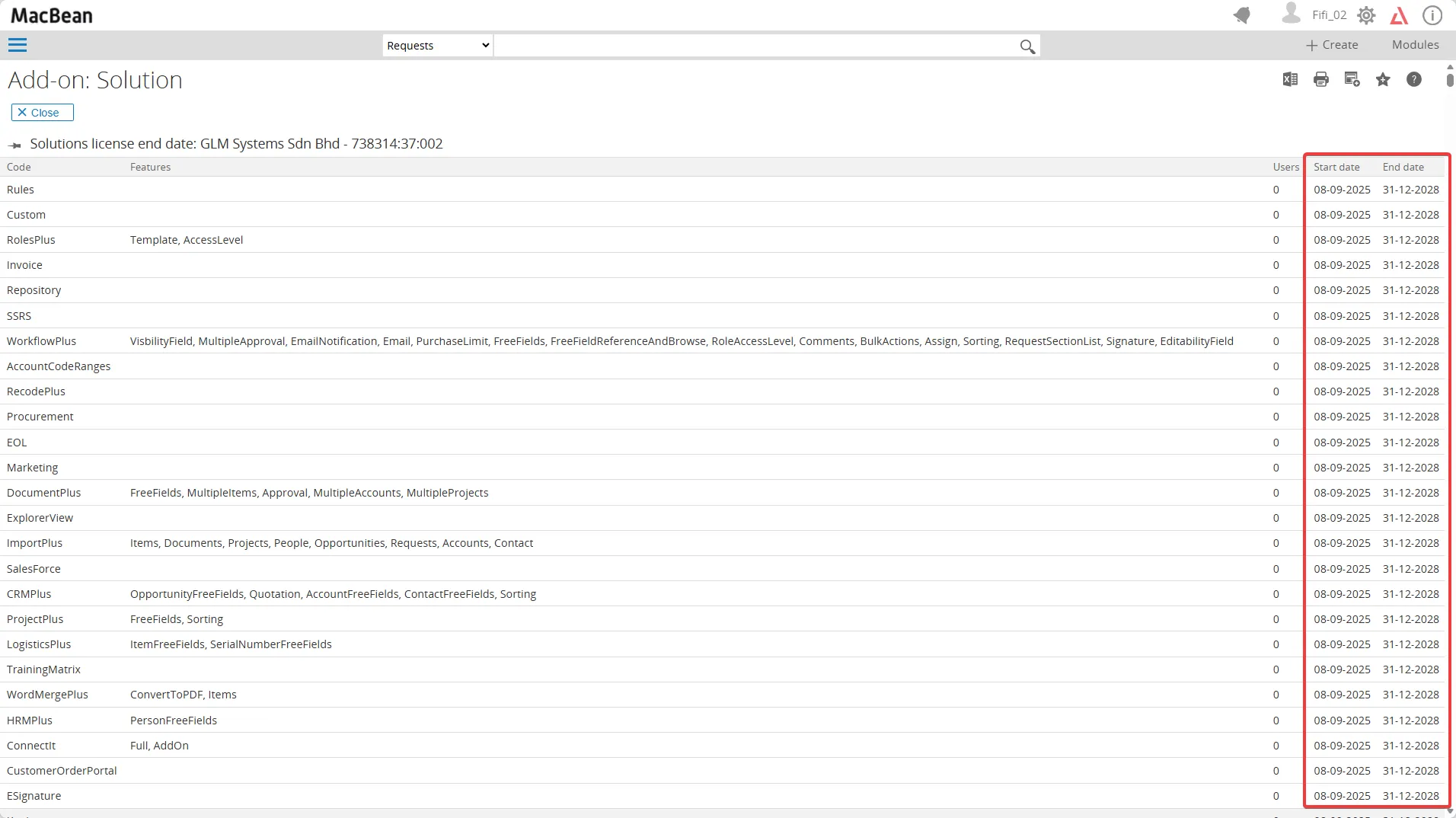
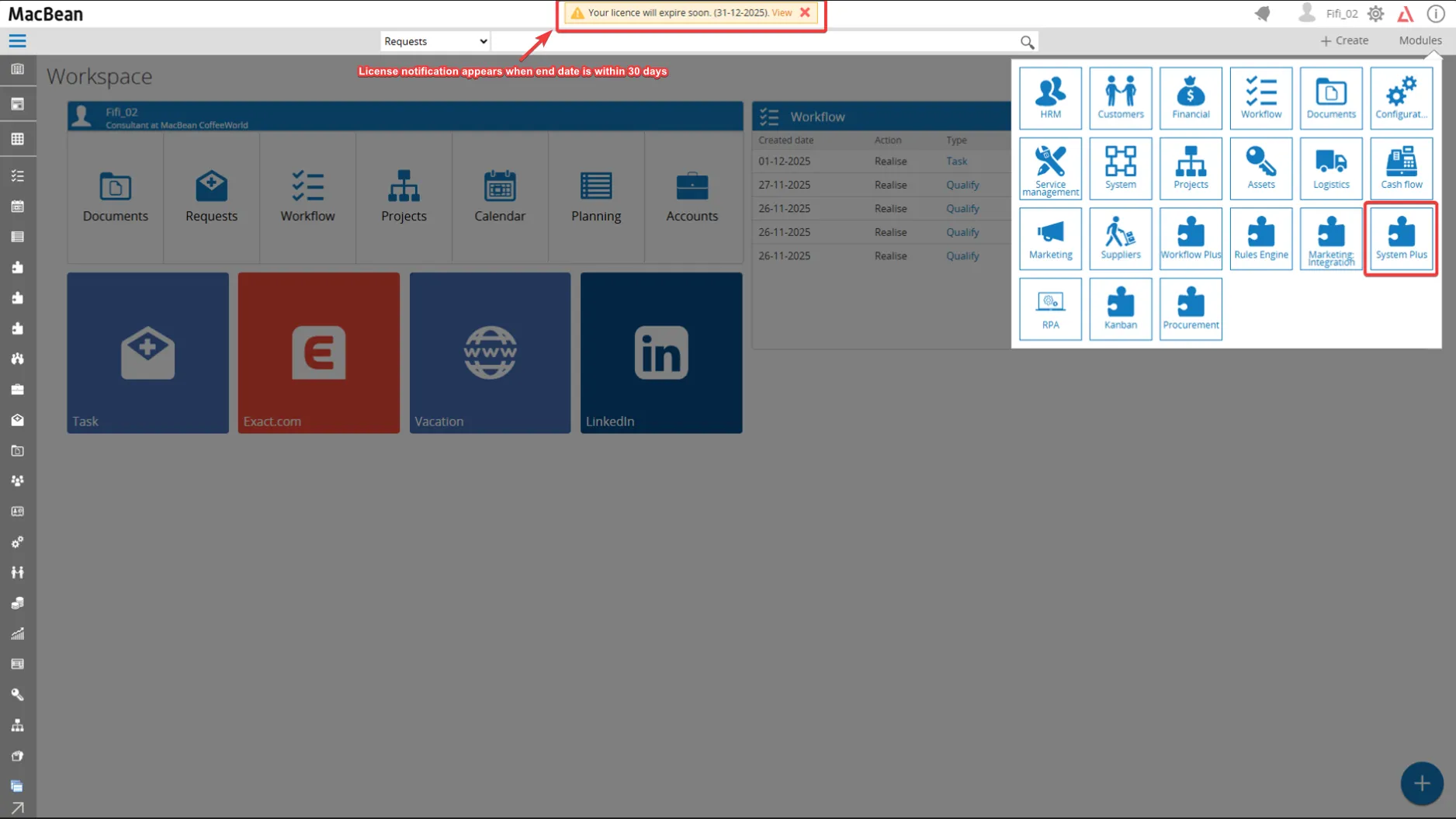
Section titled “Check the license expiration date”- Each license includes an end date. When the end date falls within 30 days, a license notification appears in the top menu to indicate that a new license must be requested

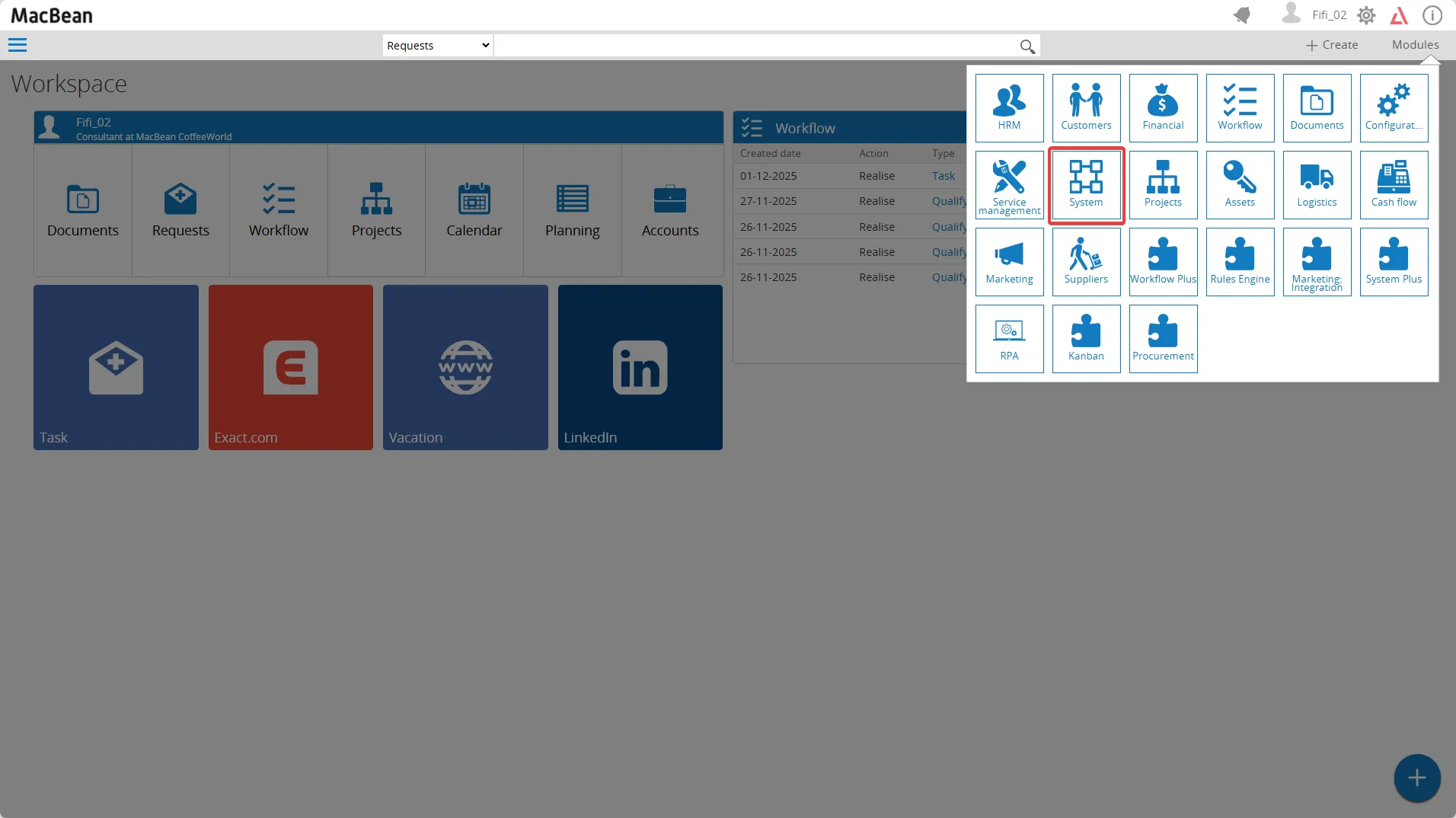
- You can check the expiration date of your add-on by going to Modules > System
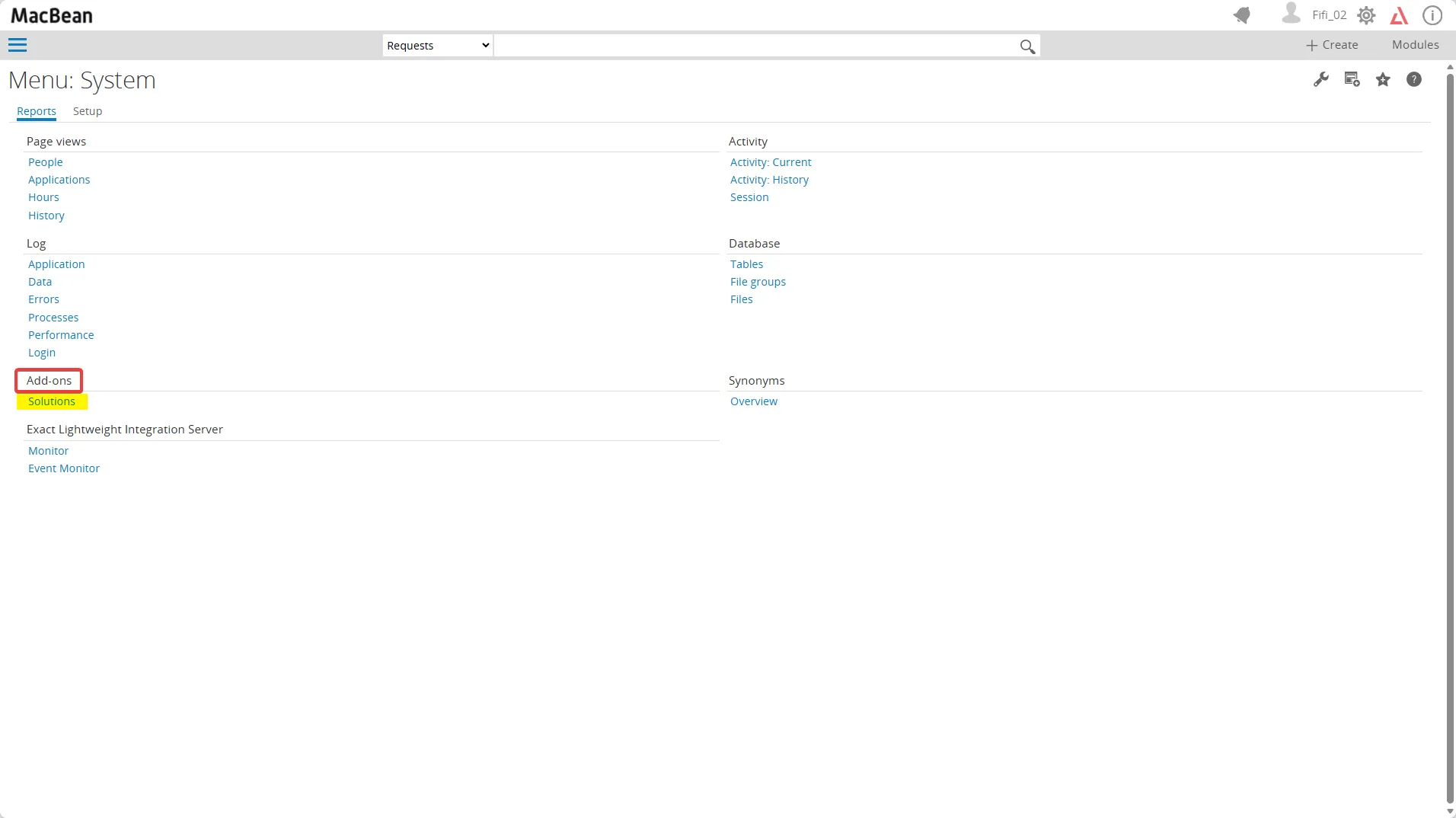
- Reports > Add-ons > Solutions
- Check the end date of your license and ensure it is later than the current date
There are two ways to activate the license:
Section titled “There are two ways to activate the license:”Activate the new license via the System Plus module
Section titled “Activate the new license via the System Plus module”- Go to Modules > System Plus
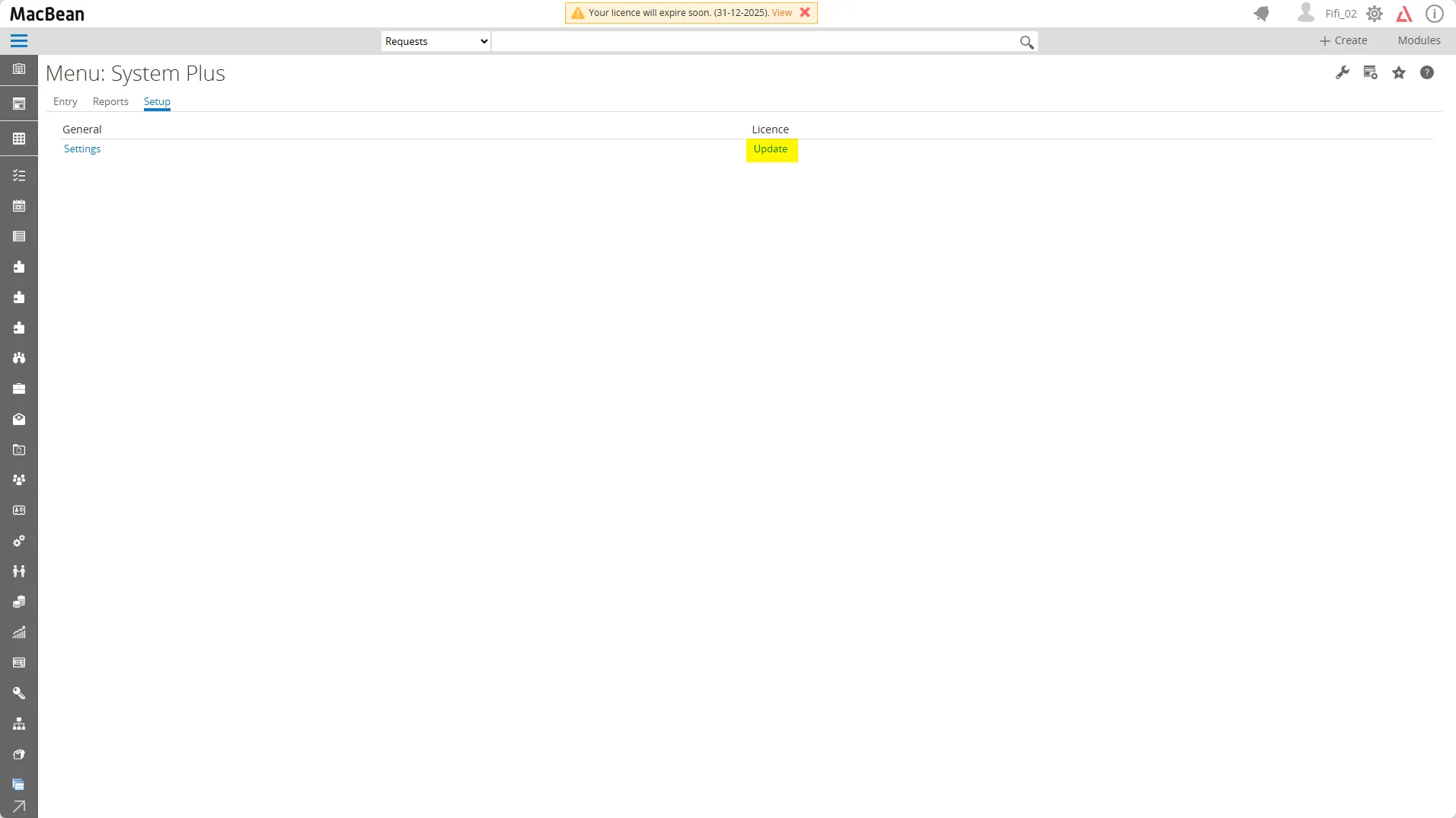
- Setup > License
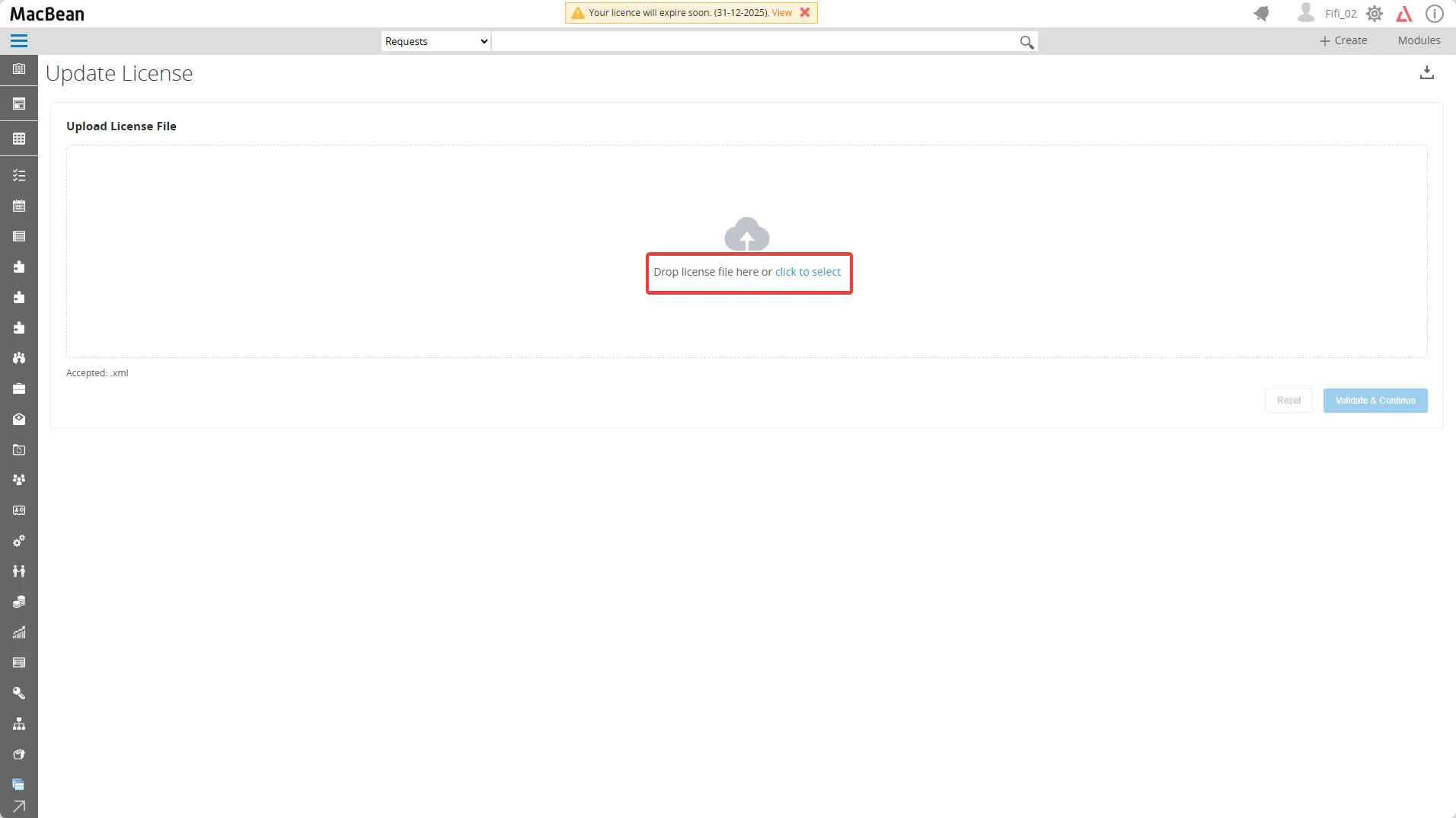
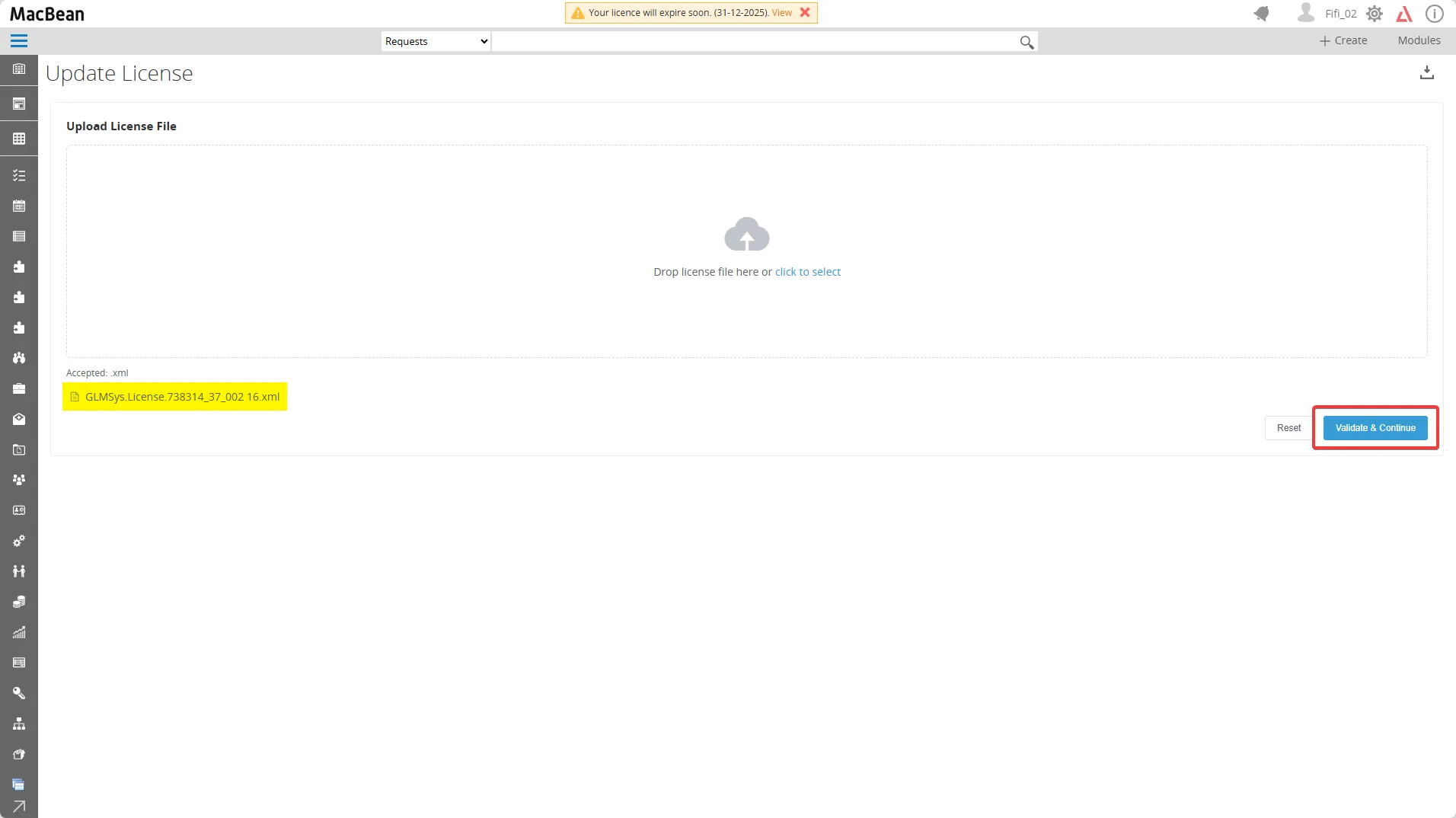
- Upload the new license file
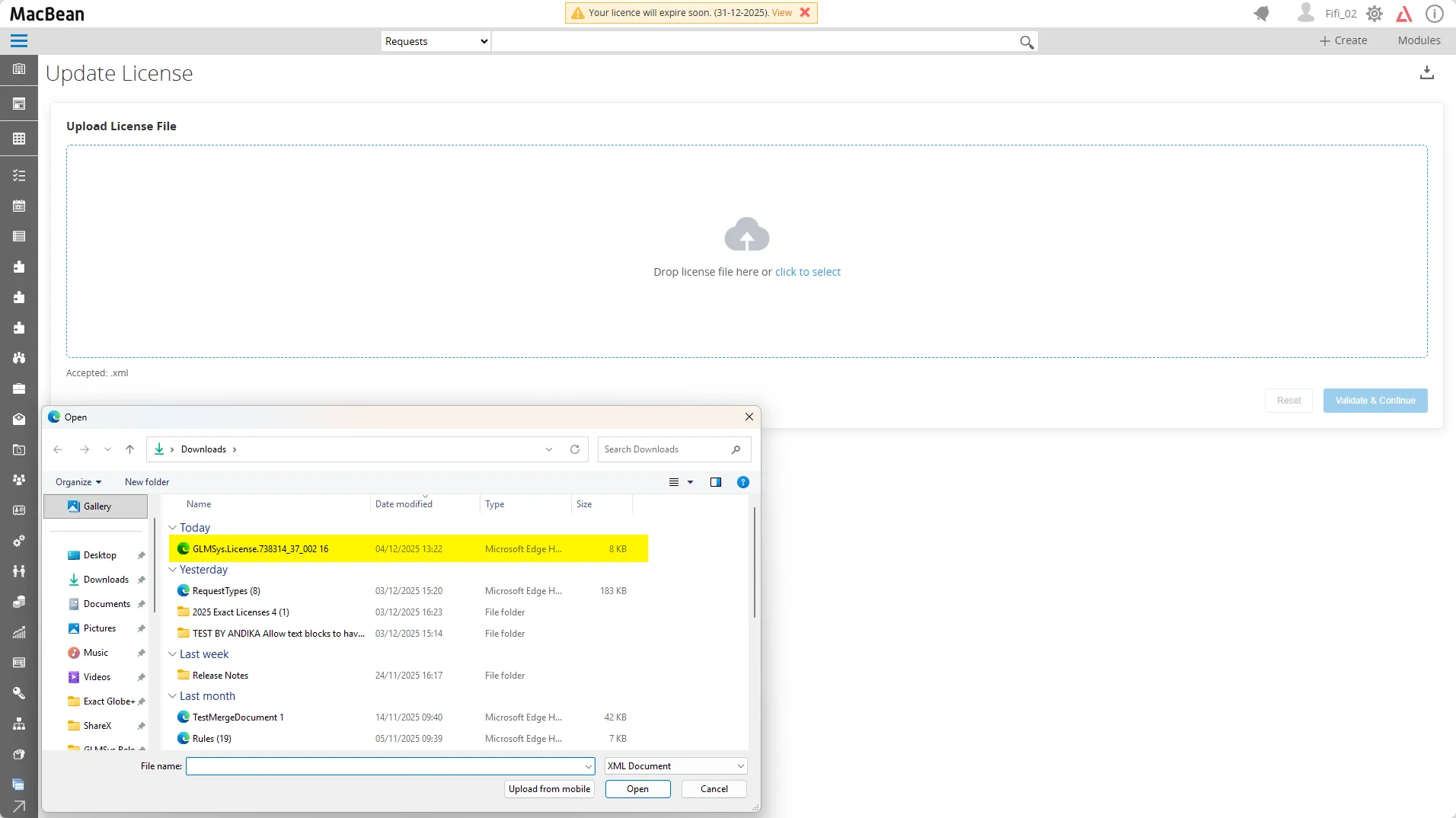
- Select the license file
- Click the Validate & Continue button
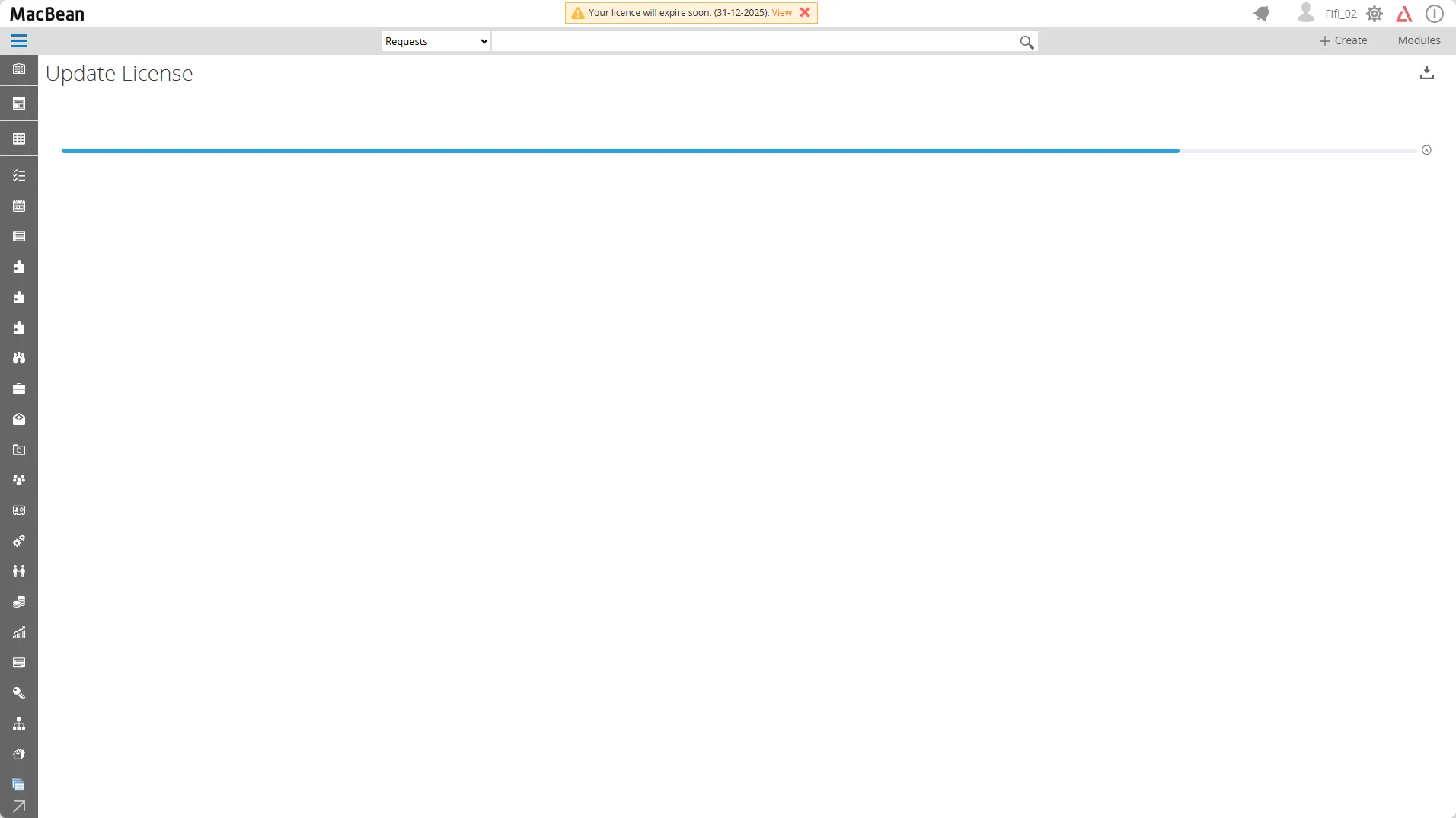
- Wait for the progress bar to complete
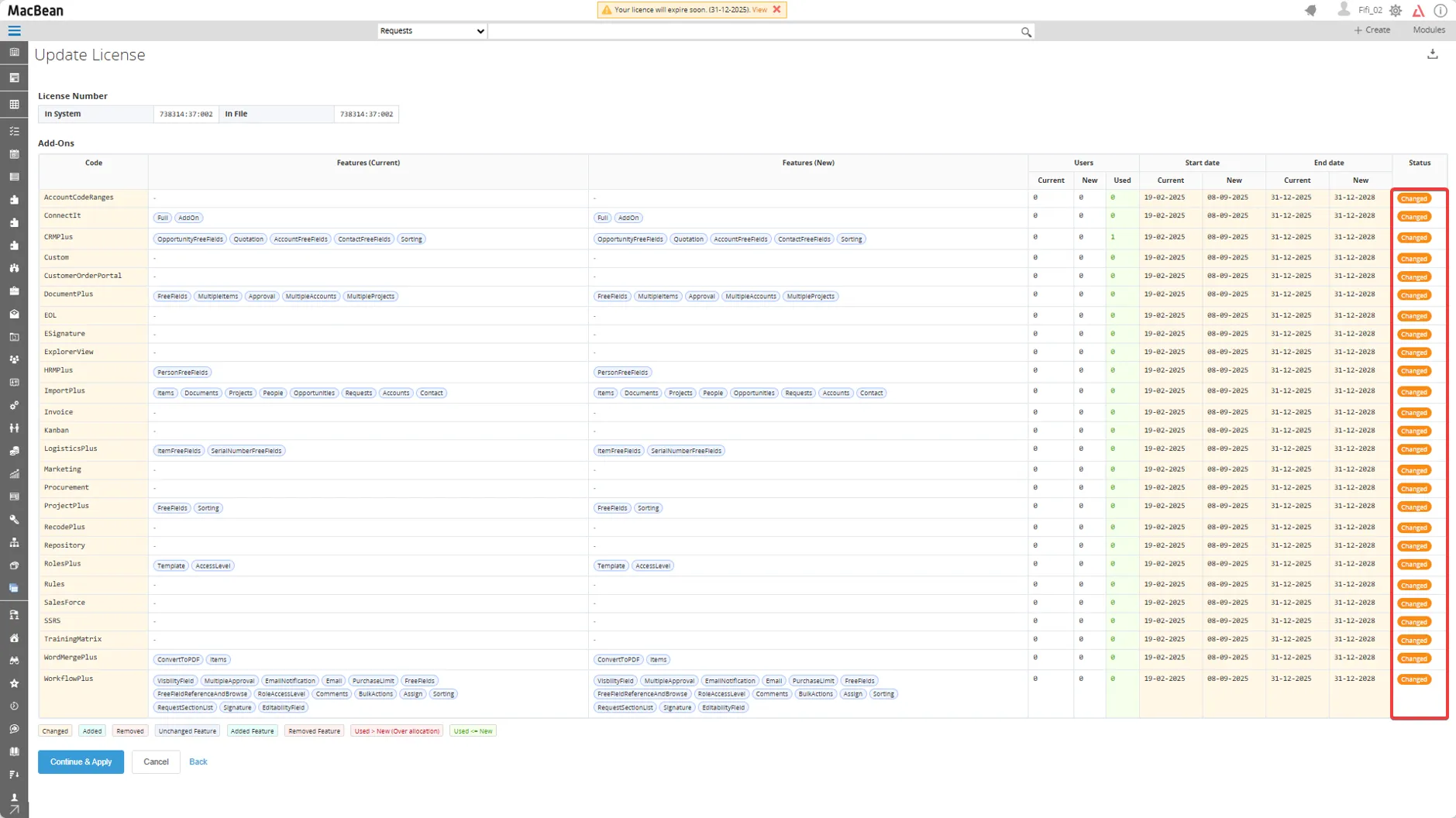
- After the progress bar complete, you can now see that the status is Changed
- Click the Continue & apply button
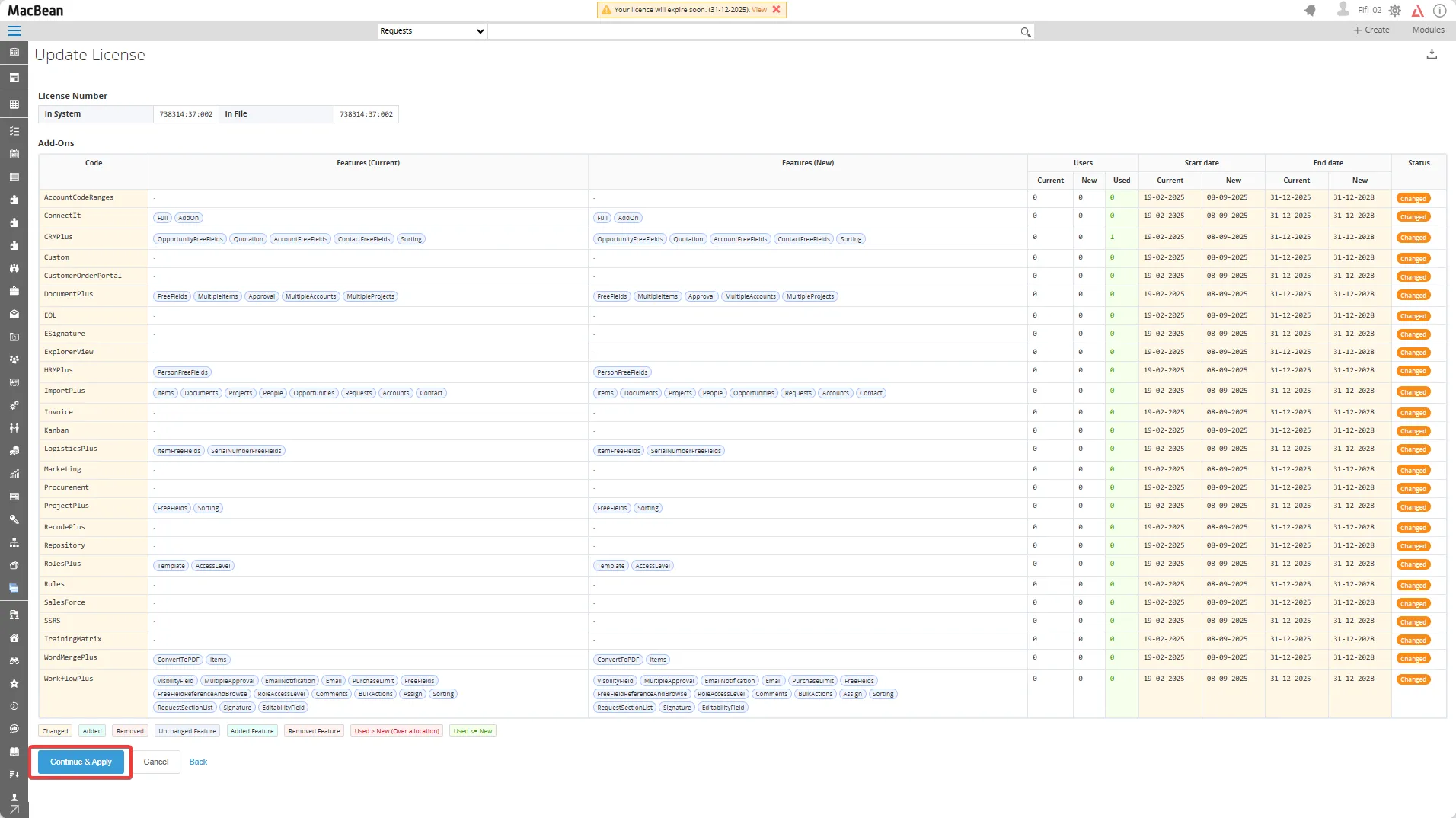
- The license is now updated to the new end date
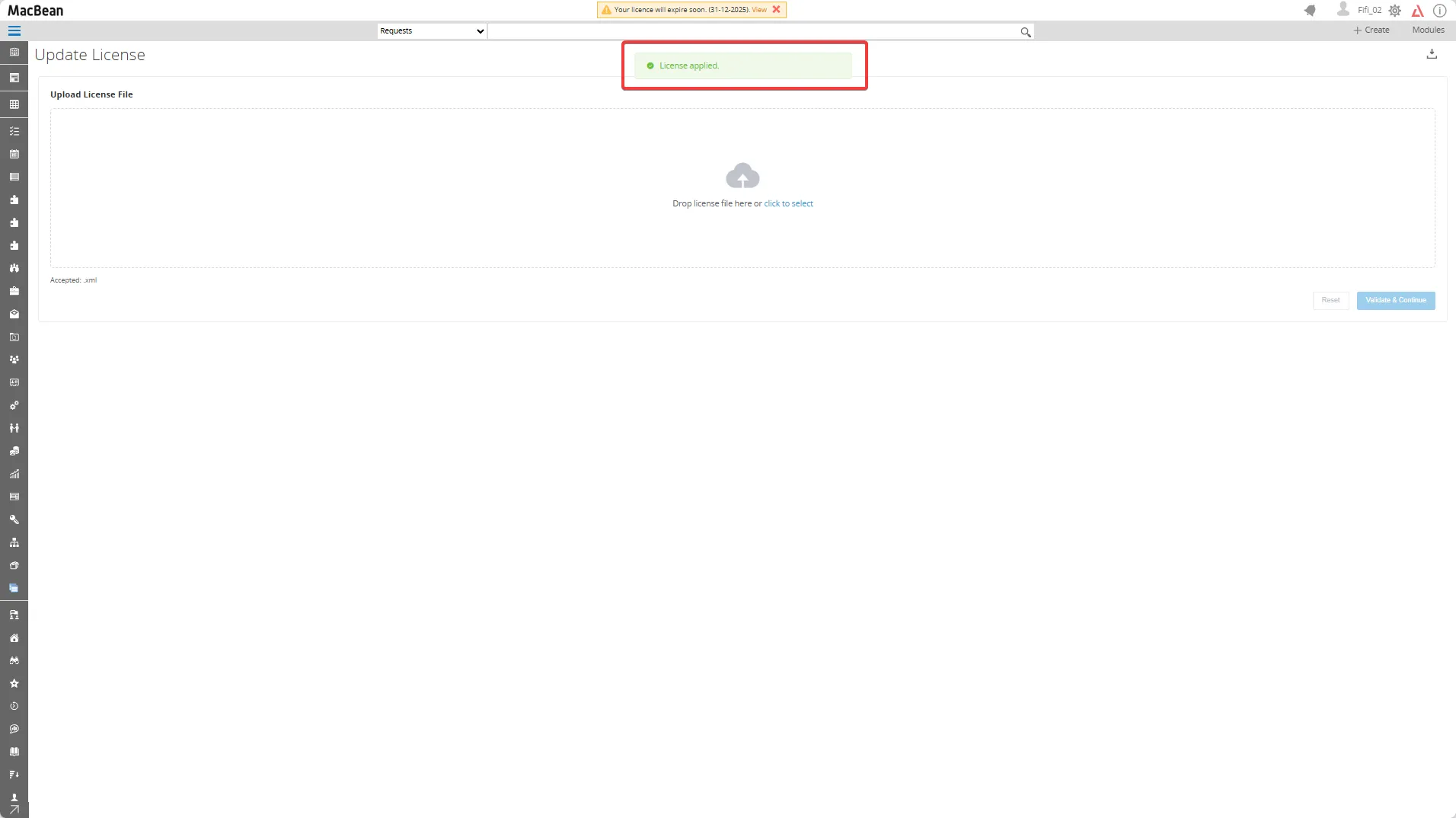
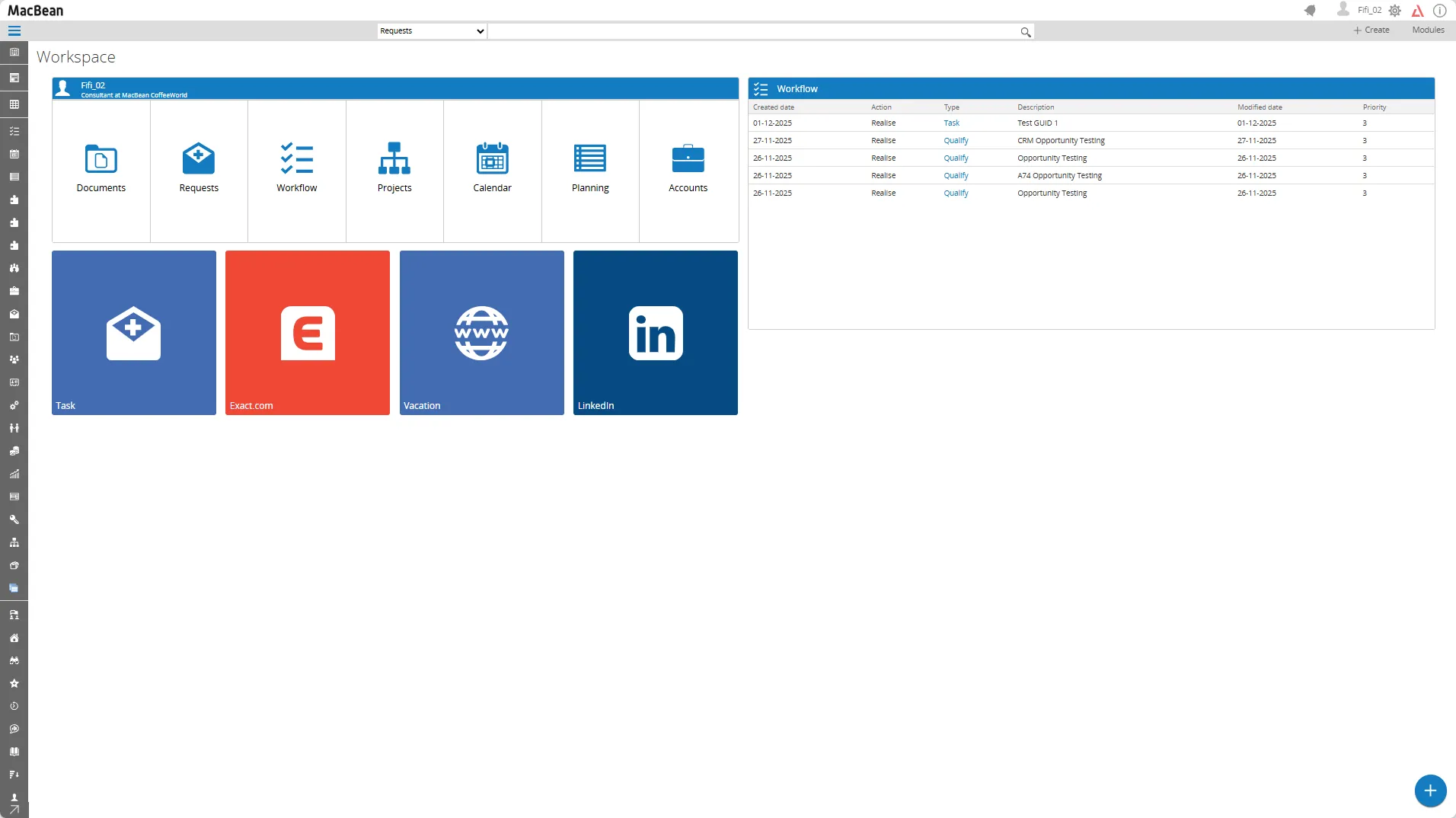
- And the notification in the top menu disappears because the license has been updated successfully
Activate the new license via the XML folder
Section titled “Activate the new license via the XML folder”- Unzip the zip file that we have sent you
- Open the folder, if you have more than 1 license, open the sub folder
- Copy the license file, a XML file to the Synergy XML folder
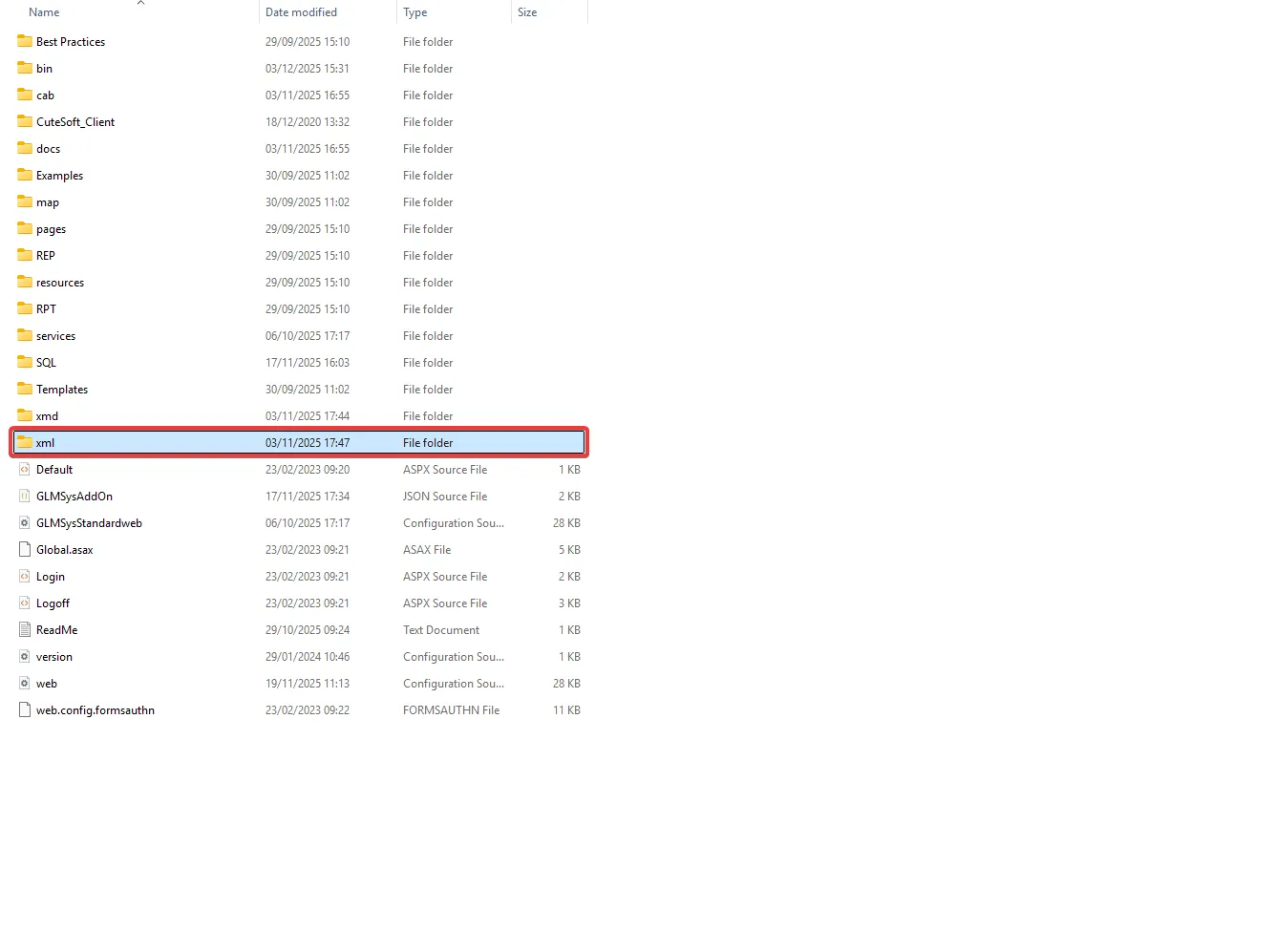
- Before installation, first remove or move the old XML file from / out of the Synergy XML folder
- Make sure you place the license folder inside the XML folder of the Exact Synergy version you are using, for example:
C:\Exact Synergy Enterprise\XML\Exact Synergy Enterprise 504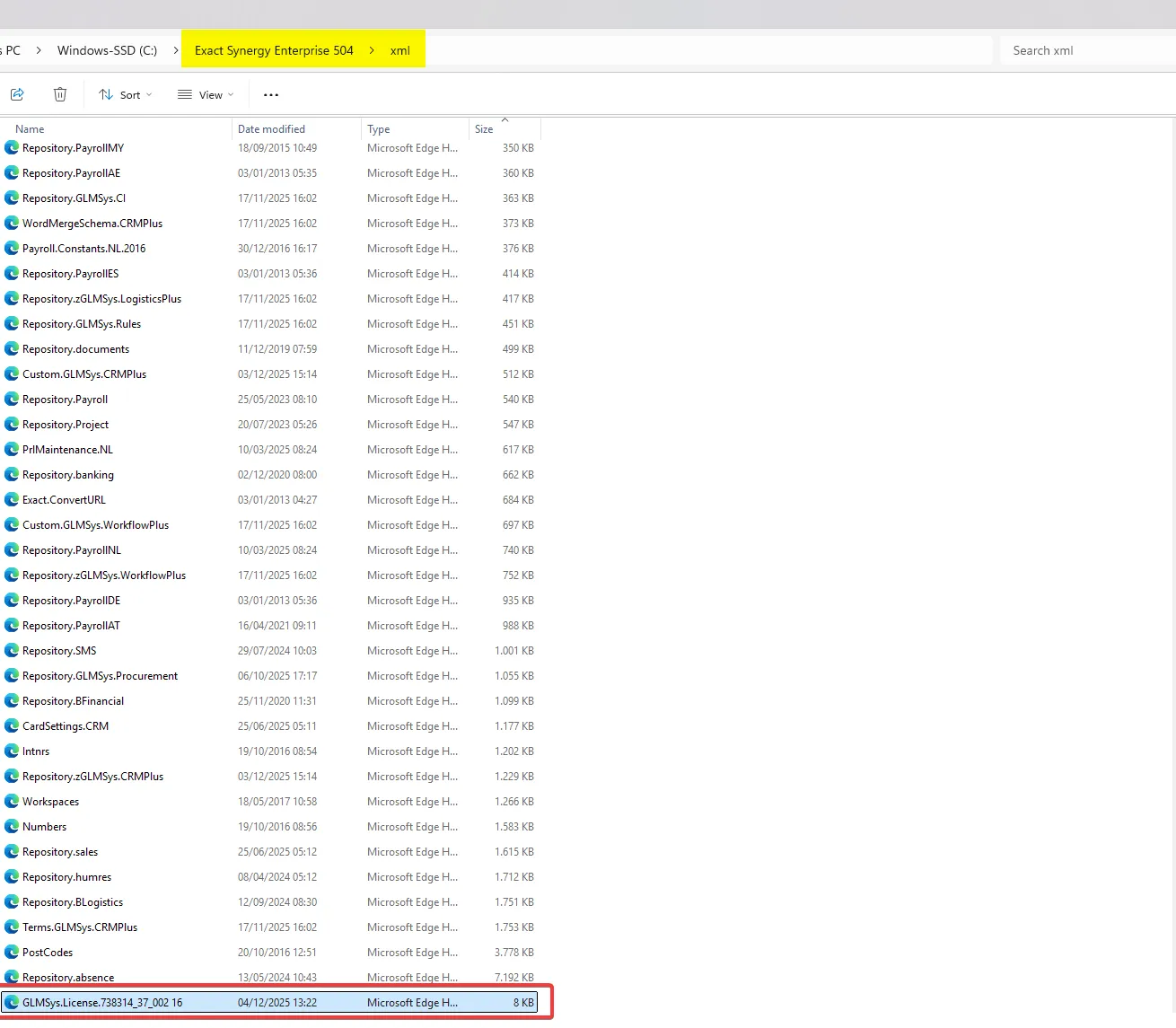
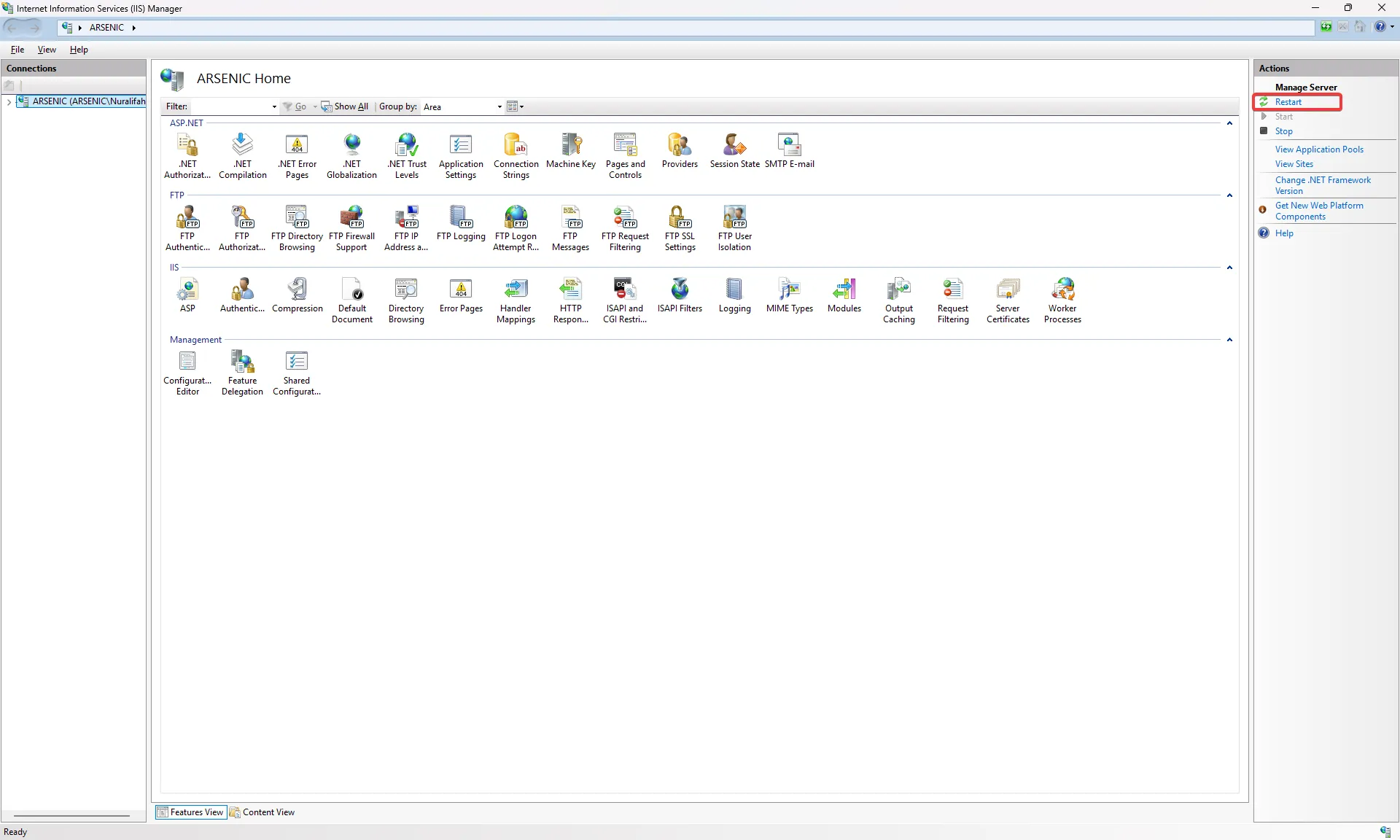
- Restart your Internet Information Services (IIS) Manager